AgentsHermes
Get a shareable link for what Hermes Agent makes
This page is about hosting what Hermes makes, not Hermes itself: host0 doesn't run agents. Install the host0 skill, and Hermes's terminal tool publishes a folder or file to a live URL, then posts it wherever you talk to it, from Telegram to the CLI. It starts private to you. We've read Hermes's docs but haven't run this ourselves, so treat it as what should happen.
Free plan, no card. Pro is $9 a month.
Who can open what you publish
What Hermes publishes starts private, whoever asked for it in the chat: only the host0 account that owns the key, plus the people it invites, can open it. Reply in the same thread when that should change: "make it a link anyone can open" or "invite sam@acme.com".
- Private: the default. You and people you invite by email, each signing in as themselves.
- Anyone with the link: no sign-in, unlisted and never indexed.
- Public on the web: no sign-in, and search engines may index it.
Access
- No one yet. Add an address and watch the visitor's window.
Sign in to view Team todos
This app is private — sign in to check your access.
Continue with Googleyou@company.comContinueNothing is served until they sign in, and only people you've invited get past that.
x-robots-tag: noindex, nofollow, noarchiveWays to connect Hermes
| Route | What it can do | Set it up |
|---|---|---|
Skill: Hermes's own installer fetches the skill from host0's well-known endpoint and scans it first. It lands in the active profile's skills, and then works as /host0 in the CLI and in chats, or when you just ask. It should work; we haven't run this install. Best for: Publishing from any chat, in every session | What it can do: Deploys, Manages | |
| host0 CLI: A single deploy with nothing to install, which Hermes runs through its terminal tool wherever the backend has Node 18.18 or newer. It doesn't depend on a script file being on that machine, so it suits remote backends. Best for: Trying it once, or a remote backend | What it can do: Deploys, Manages | |
MCP server: Adds host0 to ~/.hermes/config.yaml with OAuth. Hermes can then list apps, change who opens them, restore versions and edit records, though it still can't deploy this way. When Hermes is remote, run the login command in a terminal and paste the redirect URL back. host0 accepts only the exact redirect address Hermes registered, so if a later login gets a redirect error, remove the server and add it again. It should work; we haven't run this sign-in. Best for: Managing what's already live | What it can do: Can't deploy, Manages | |
| Browser drop: Drag the file onto host0 and sign in with an email code or Google, with no change to Hermes at all. If Hermes lives on a VPS, have it send you the file in chat first. Best for: Trying host0 before you touch your setup | What it can do: Deploys, Dashboard to manage |
Does host0 host Hermes Agent itself?
No. host0 doesn't run agents or any long-lived process. It serves what an agent produces: pages, apps with shared data, PDFs and other files.
If you searched for somewhere to run the agent, these are the options Hermes's docs name:
- A machine of your own or a cheap VPS, reached over Telegram or another gateway.
- Serverless backends like Daytona and Modal, where the environment hibernates when idle.
- Hermes Cloud from Nous Research, which runs hosted instances that you manage from Nous Portal.
None of them replace host0, or the other way round. Hermes runs on one of those, and what it makes goes on a link here.
Hermes can already send files in chat. When do I need a link?
When the result has to outlive the chat or reach people outside it. For one chart or PDF going to people already in the conversation, Hermes's Deliverable Mode is the better choice, and you don't need host0.
| Hermes attachment | host0 link | |
|---|---|---|
| Who gets it | People in that chat | People you invite by email, anyone with the link, or the whole web |
| An HTML page | A file they download and open | A URL that opens in a browser, phones included |
| A whole site | An archive they have to unpack | Every page and asset served at one address |
| After a change | Another attachment, and the old one lives on in the thread | The same URL, now on a new version |
| People writing to it | No | Yes, with shared data from an h0.json |
| What you need | A running gateway | A host0 account. Free plan, no card. Pro is $9 a month. |
Say which one you want, since Hermes's docs note it doesn't reach for attachments unprompted. If the reply mentions a file's absolute path as plain text, the gateway uploads that file, so "send me the link, not the file" is worth saying.
My Hermes runs on a VPS. Why not serve the page from there?
You can, and if the app needs real server code, that's the way today, because host0 only serves static files plus its own records API. For everything else, a link is less to look after.
- On your VPS, the domain, certificate, firewall and uptime are yours to run. Hermes can start a server in the background, but the page then shares a machine with an agent that has a terminal.
- On a Daytona or Modal backend, the environment hibernates when idle, and anything it was serving goes quiet with it.
- On host0 there's no process to keep alive. The files upload once, and the URL keeps working with Hermes switched off.
How do I sign in if I only talk to Hermes from my phone?
Hermes posts a link and a short code in the chat, you approve them in your phone's browser, and it carries on. You never put a key or an email address into the conversation.
That suits how Hermes treats secrets, since its messaging surfaces won't collect them in chat either. The code lasts 10 minutes, and each run waits about 90 seconds for you, so if you're slower than that, just ask Hermes to check again. We haven't run this over a gateway, though nothing in the flow depends on which app you're in.
Where does the host0 key end up on each terminal backend?
In ~/.host0/credentials on whatever the terminal tool runs on, which often isn't where Hermes itself runs. That decides how often you sign in, and which account publishes.
| Backend | Where the key lands | What to watch |
|---|---|---|
| Local, the default | Your real home directory, shared by every profile | terminal.home_mode: profile gives each profile its own |
| SSH | The remote server | Nothing from the Hermes machine comes along, so sign in there |
| Docker | A per-profile home for the container | The image needs Node 18.18 or newer, or curl and jq |
| Modal, Daytona, Vercel Sandbox | The cloud sandbox | container_persistent, on by default, keeps it across sessions |
To sign in only once, copy the key by hand from a ~/.host0/credentials you already have, never through the chat, into HOST0_API_KEY in ~/.hermes/.env, and list that name under terminal.env_passthrough. The host0 skill doesn't declare that variable, so Hermes won't forward it by itself, and Docker and SSH pass no host variables by default. SSH also needs a matching AcceptEnv on the server.
If you've locked down outbound traffic from Docker, allow host0.ai and host0.app, plus registry.npmjs.org for the CLI.
Will Hermes stop and ask me to approve the deploy?
It shouldn't. A deploy doesn't match anything on Hermes's list of dangerous commands, and that check is skipped altogether on container backends such as Docker and Modal.
- Two things in this flow can trip it. Piping our one-line installer into a shell is on the list, which is why this page points you at
hermes skills install. So is wrapping a command inbash -c. - If you do get a prompt in a chat, reply yes or no. An unanswered one is denied after the timeout, 300 seconds by default.
- A big upload is a likelier stop.
terminal.timeoutis 180 seconds in the docs' sample config, so raise it if a deploy of large files gets cut off.
Will Hermes's scanner accept the host0 skill, and can Hermes change it?
We don't know about the scanner yet, since we haven't run it, and yes, Hermes can change it. A skill from a well-known endpoint installs at community trust, and by default the agent writes to skills freely.
- The scan looks for things like data exfiltration and destructive commands, and our skill does talk about API keys and uploads. A caution-level block can be overridden with
--forceonce you've read the skill. Adangerousverdict can't, so write to support@host0.ai if you hit one, and use the CLI route meanwhile. - After a turn, Hermes's background review can patch a skill it learned something from. That can help, but
hermes skills updatethen skips the skill as locally edited, so you stop getting our changes until you pass--force. - To see every edit first, set
skills.write_approval: true, and proposed changes wait for you under/skills pending.
Can a Hermes cron job publish a page on a schedule?
It should: attach the skill to the job, and each run publishes a new version to one URL. We haven't run this one either. Sign in from a normal chat first, because a cron run has no chat attached where you could approve a login.
You can set it up by asking: "Every weekday at 8, rebuild the report in ~/reports/sales and publish it with the host0 skill to the app sales-report, then send me the link on Telegram."
- Name the folder and the app in the prompt. Each job starts in a fresh session and remembers nothing else.
- Check that the terminal toolset is on for the
cronplatform inhermes tools. Cron jobs get that set, not your CLI's. - Decide who reads it. A private report needs each reader invited once, while a link anyone can open needs nothing further.
- A dangerous command in a cron run is denied rather than asked about, under the default
cron_mode.
If the reader only needs a few lines of text each morning, Hermes's own delivery to Telegram or Slack is simpler and needs no host0 at all. Publishing earns its place when the output is a page, a chart people revisit, or something for people outside that chat.
Whose host0 account does a shared bot or Bot Mode use?
The account whose key is on that machine. Everyone you let talk to the gateway can publish, rename and delete as that account, so treat the gateway's allowlist as access to your host0 apps too.
- Hermes's admin and regular-user tiers gate slash commands today. Plain chat isn't affected, so a regular user can still ask for a deploy.
- A Bot in Bot Mode is a profile, and skills are per profile, so install the skill once per Bot with
hermes -p <bot>in front. - On a host install, profiles share your real home, so every Bot publishes to one host0 account unless you set
terminal.home_mode: profile.
The people who open what's published need none of this. They use a browser, and a private app asks them to sign in with the email you invited.
How do I update an app from a new chat or another gateway?
Name the app by the slug in its URL. The first deploy notes the app in .host0/state.json in that folder, so that folder keeps updating one URL, but a new scratch folder would create a second app.
Hermes has memory across sessions, so tell it once: "remember that the team board is the host0 app team-todo". If the files aren't on that backend any more, the skill can pull the live version, edit it and publish it back at the same URL.
I already use host0 in Claude Code or Cursor. Does that carry over?
Mostly. Hermes's import-agent command copies skills and MCP servers from Claude Code, Codex CLI and Cursor, but it never copies credentials.
The skill arrives under a folder like ~/.hermes/skills/claude-code-imports/, and you'll need to sign in to the MCP server again. On a local backend, ~/.host0/credentials is already where the skill looks, so publishing should need no new login. We haven't tried this import ourselves, and it needs Hermes's agent-importers plugin.
Real apps, live on host0
Each one came from a single prompt. Open it, or paste the prompt into Hermes to get your own copy.
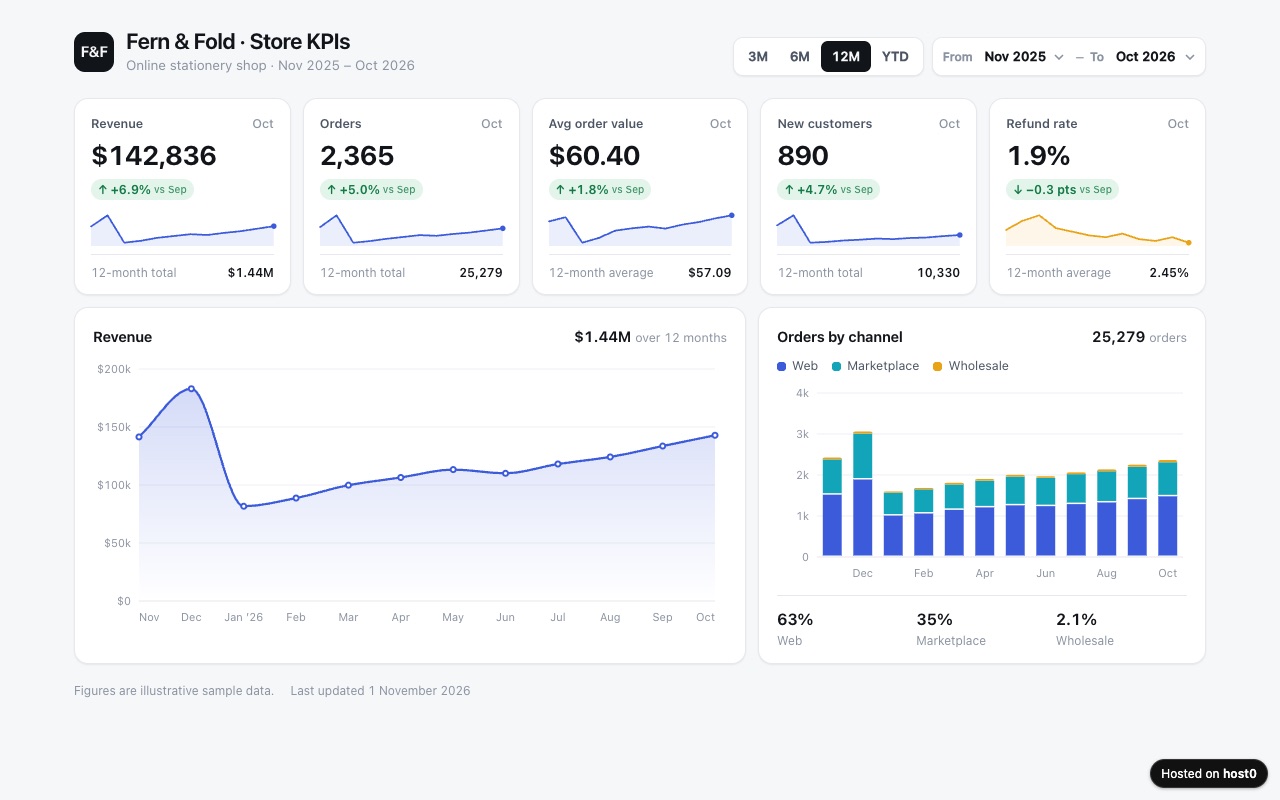
KPI dashboard
A clean metrics page from a spreadsheet, with charts and a month filter.
Built with Claude Code
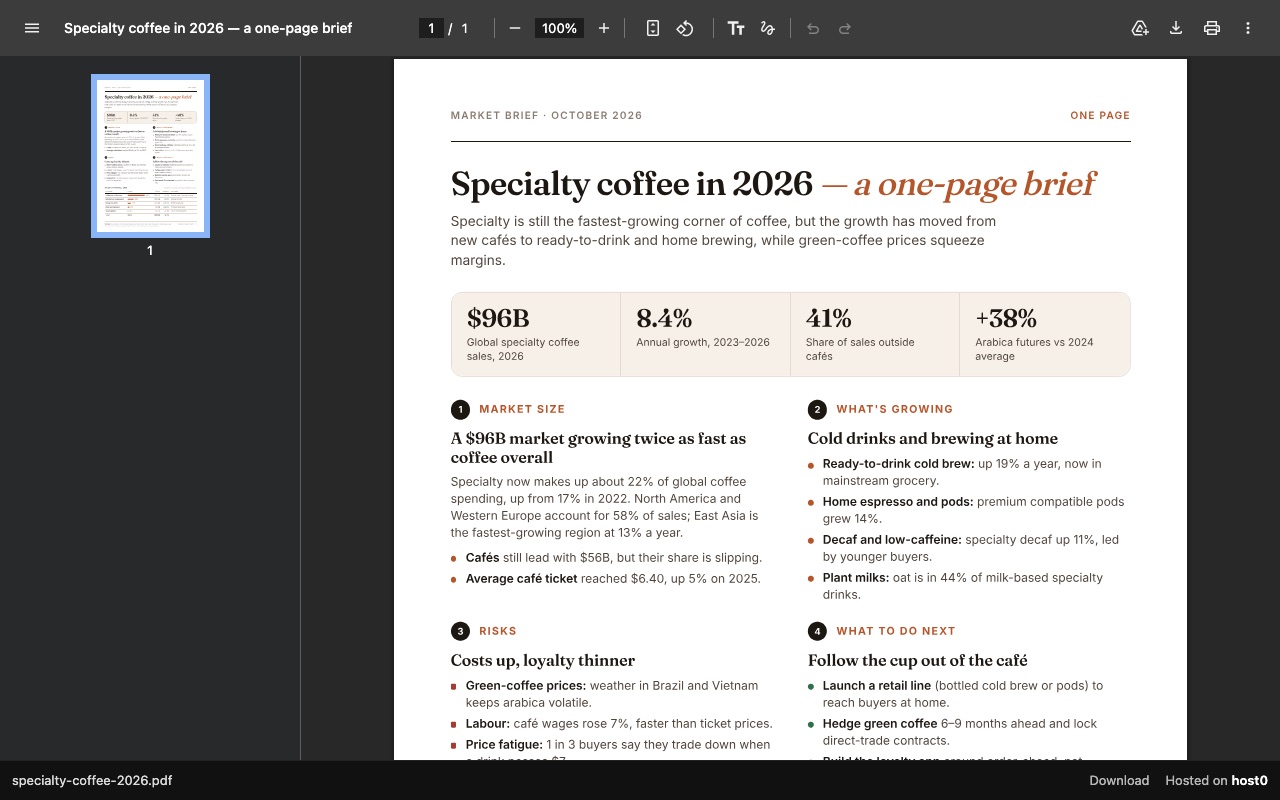
One-page report as a PDF link
A PDF report that opens in any browser, with a download button.
Built with Claude Code
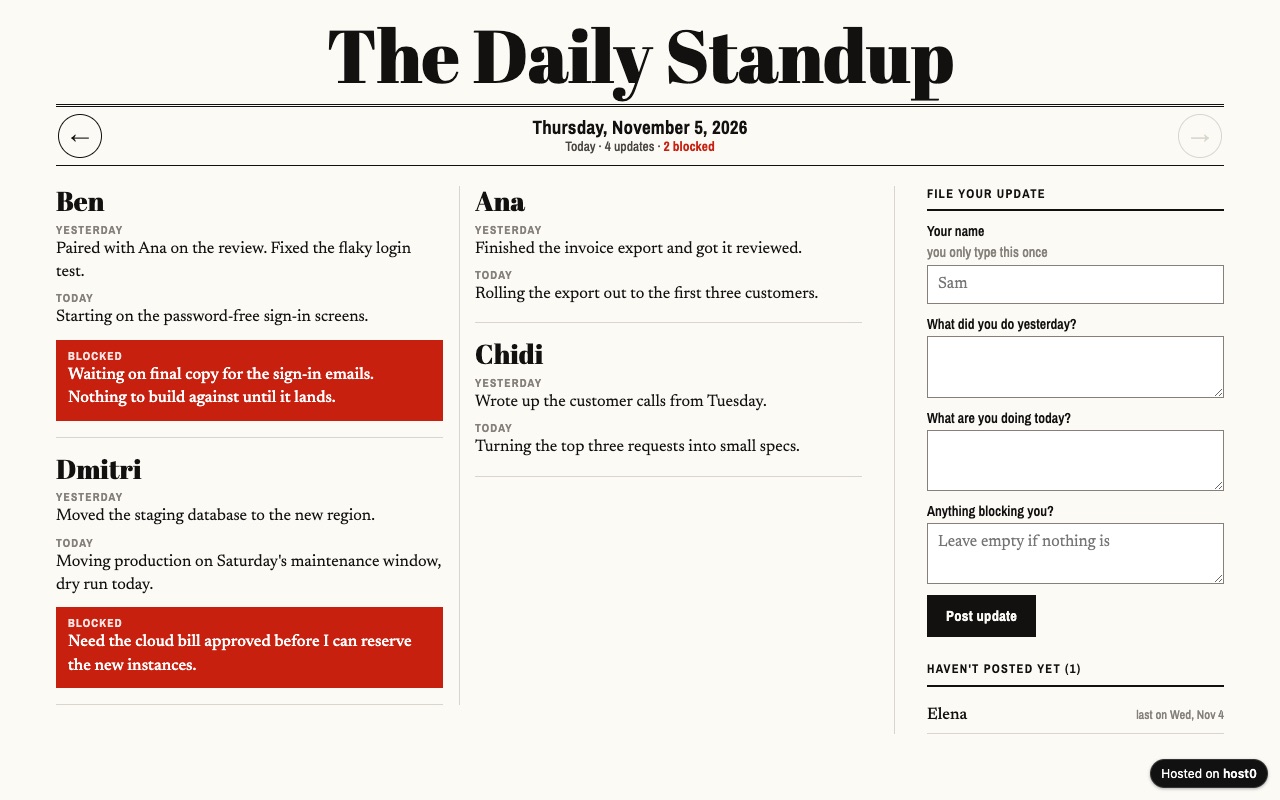
Async standup log
Your remote team posts daily updates on one page instead of a meeting.
Built with Claude Code
Undo a bad deploy, and see who opened it
Versions
A scheduled job that republishes one folder adds a numbered version on each run, always at the same URL. If a run publishes something wrong, tell Hermes to roll back, or restore a version in the dashboard. On Free: live version only. On Pro: 30 days of version history.
Analytics
Page views, countries and referrers on every app, with no cookies and nothing for you to install. On Free: total visits only. On Pro: full, 90 days.
Hermes and host0: questions
Which messaging apps can I publish from?
Any that your Hermes gateway connects to; its docs count more than 20, including Telegram, Discord, Slack, WhatsApp, Signal and email. The chat only carries your request and the link back. The deploy itself runs on the terminal backend.
Do I need Nous Portal to use host0 with Hermes?
No. A deploy is a command in the terminal, whichever model you chose. Hermes's docs say it works with Nous Portal, OpenRouter, OpenAI or any endpoint, and host0 doesn't touch that choice.
Can a page on host0 use the model keys Hermes has?
Not safely. Every published file goes to the browser of whoever opens it, so a key inside a page is public to them, and nothing scans your JavaScript for one. Pages can ask visitors for their own key, and the owner's key can't be used from an app yet.
Do the people I share with need Hermes?
No. A link opens in any browser. They sign in only when the app is private or when they're changing shared data that's limited to invited people.
What does it cost?
Free plan, no card. Pro is $9 a month. Limits are per plan: on Free, one file can be up to 3 MB and an account holds 5 apps. What you pay to run Hermes or its models is separate.
What can't Hermes publish to host0?
Anything that needs a process running, like an API or a bot's own server. Source folders with a build step need building first, so have Hermes publish the output. An archive is refused too, so extract it and publish the folder.
Sources
Facts about Hermes checked on Nov 6, 2026. Products change: if something here is out of date, tell us at support@host0.ai.
- Hermes docs: overview
- Hermes docs: Skills System
- Hermes docs: Tools and terminal backends
- Hermes docs: MCP
- Hermes docs: Messaging Gateway
- Hermes docs: Deliverable Mode
- Hermes docs: Security
- Hermes docs: Cron Jobs
- Hermes docs: Profiles
- Hermes docs: Bot Mode
- Hermes docs: Import from Other Agents
- Hermes docs: OAuth over SSH
- Hermes docs: Manage Hermes Cloud with MCP
- Hermes docs: Network Egress Isolation
Publishing from something else?
Share what Hermes made
A link in one sentence, private until you say otherwise.
Get startedhost0 isn't affiliated with Hermes or its maker. Product names and marks are used only to identify the product.