AgentsWindsurf
Publish from Windsurf, now Devin Desktop, to a link you can share
Windsurf became Devin Desktop in June 2026, and Cascade's one-click Deploy went away with Cascade. Add the host0 skill and Devin Local, the agent that replaced it, runs one command and hands back a URL that stays private until you share it. MCP is optional: it manages what's live and never deploys.
Free plan, no card. Pro is $9 a month.
Who can open what you publish
A Devin Cloud deployment is public as soon as you approve it. A host0 deploy goes the other way and starts closed, so in the same session you say who gets in: "open it to anyone with the link", or "invite sam@acme.com".
- Private: the default. You and people you invite by email, each signing in as themselves.
- Anyone with the link: no sign-in, unlisted and never indexed.
- Public on the web: no sign-in, and search engines may index it.
Access
- No one yet. Add an address and watch the visitor's window.
Sign in to view Team todos
This app is private — sign in to check your access.
Continue with Googleyou@company.comContinueNothing is served until they sign in, and only people you've invited get past that.
x-robots-tag: noindex, nofollow, noarchiveWays to connect Windsurf
| Route | What it can do | Set it up |
|---|---|---|
Skill: Install it where Devin Local looks for skills. The agent uses it when you ask to publish, or you type /host0. The curl installer has no Devin target, and its codex target writes to ~/.agents/skills, a folder Devin Local reads too. Best for: Most people, since it deploys and manages | What it can do: Deploys, Manages | |
| host0 CLI: One command, with nothing to install first, in the agent's terminal or your own. It needs Node 18.18 or newer. Best for: A single deploy, or the JetBrains plugin | What it can do: Deploys, Manages | |
MCP server: Add the server to your user config, or to .devin/mcp_config.json to share it through the repo. You sign in through your browser with OAuth. It lists apps, changes who can open them, restores versions and edits records. Best for: Looking after apps that are already live | What it can do: Can't deploy, Manages | ~/.config/devin/mcp_config.json |
| Browser drop: Drag a file, folder or zip out of your project onto host0, then sign in with an email code or Google. Devin Desktop isn't involved at all. Best for: A first try with no setup | What it can do: Deploys, Dashboard to manage |
Is Windsurf the same thing as Devin Desktop?
Yes. Cognition renamed Windsurf to Devin Desktop on June 2, 2026. The editor stayed, but the agent changed: Cascade was removed in September 2026 and Devin Local took its place.
| What you knew | What it is now |
|---|---|
| Windsurf | Devin Desktop, which shows up as Devin.app on macOS |
| Cascade | Devin Local, the same agent harness as Devin CLI |
| Workflows | Skills: Devin Local doesn't run workflows |
surf in the terminal | devin-desktop, with the old command still shipped |
.windsurf/ in a repo | .devin/, with the old folder still read |
docs.windsurf.com | docs.devin.ai |
| One-click Deploy | Removed |
So a tutorial that says Windsurf mostly still applies, and one that says Cascade is out of date. Some paths never changed: worktrees still live in ~/.windsurf/worktrees, and the Linux package repositories keep the old name.
What happened to Windsurf's one-click Deploy?
It's gone from Devin Desktop. Two September 2026 releases removed Cascade and then its Deploy entry point, and the old docs address now lands on the legacy Cascade page, which doesn't describe that feature.
The feature arrived in April 2025: one prompt put your app on Netlify under a windsurf.build address, and you could claim it on Netlify to keep it. We found nothing in Cognition's docs about what happens to sites already on that domain, so check any you still rely on. What you can do now:
- Use the host0 skill from Devin Local. You get a private link, with invites, shared data and versions.
- Keep your own Netlify or Vercel account, and have the agent run that platform's tooling with your credentials. That's the better fit if the site already lives there.
- Ask a Devin Cloud session to deploy it. That's the next question.
A deploy workflow you kept in .windsurf/workflows won't help here. Workflows aren't imported as skills, and Cognition's advice is to migrate them.
When is Devin's own hosting the better choice?
When a Devin Cloud session builds a small app from scratch, a public URL is fine, and above all when it needs a Python backend. Devin Cloud hosts static sites on devinapps.com and FastAPI backends on Fly.io, and host0 doesn't run server code yet.
| Devin Cloud deployment | host0 | |
|---|---|---|
| Who can open it | Anyone: it's a public URL | Only you at first, then people you invite by email, anyone with the link, or the whole web |
| What it takes | A build folder with an index.html | Any folder of static files, or one PDF, image or HTML file |
| Server code | FastAPI in a set layout, on Fly.io. Other stacks are yours to set up | None yet. Lists, boards and forms can use shared records from an h0.json |
| Apps that already exist | Not what it's for, though a static build may work | Publish the static build output |
| Who can use it | Non-enterprise organizations with secure mode off | Anyone with a host0 account. Free plan, no card. Pro is $9 a month. |
That deploy tool belongs to Devin Cloud: its page sits in the Cloud docs and doesn't mention Devin Local, and on devin.ai/pricing cloud agents first appear on Pro. Devin's docs describe it as being for prototypes, demos and throwaway internal tools. Reach for host0 when the work shouldn't be public, when you're publishing a project or a file that already exists, or when your organization is on Enterprise, where those deployments are off.
Where does the host0 skill go in Devin Desktop?
In ~/.agents/skills/host0 for all your projects, or .agents/skills/host0 inside one repo. Going by Devin's docs this should work, but nobody at host0 has run it in Devin Desktop yet.
| Folder | Who gets it |
|---|---|
~/.agents/skills/host0 or ~/.config/devin/skills/host0 | You, in every project |
.agents/skills/host0 or .devin/skills/host0 | Anyone who opens the repo |
~/.codeium/windsurf/skills/host0 or .windsurf/skills/host0 | Still read, from before the rename |
The plain curl installer chooses a folder from what's in your home directory, and it may pick ~/.claude/skills. Devin's import list only covers the project-level .claude/skills, so aim the installer at the shared folder:
curl -fsSL https://host0.ai/install.sh | bash -s -- --agent codexTo confirm it loaded, click Customize in the agent sidebar and open the Skills tab. On macOS and Linux the agent runs commands in a dedicated terminal, zsh or bash, that loads your shell config. A node or HOST0_API_KEY set up in .zshrc or .bashrc is available to it.
Why does Devin Local stop and ask before it deploys?
Because a deploy is a shell command. Code mode, the default, approves edits inside the workspace by itself but prompts for shell commands unless an allow rule covers them.
- The command card lets you run it once, allow it for the session, or allow it for good, which writes the rule for you. You can also edit the command first.
- Smart mode has a fast model approve what it judges safe. It's still rolling out, and anything it isn't sure about still prompts.
- Bypass Permissions approves every tool call. You don't need it for this, and rules your admin enforces still win.
- A sandboxed session runs in Autonomous mode and asks for capabilities rather than commands. A deploy needs network access, so grant it. OS-level sandboxing isn't supported on Windows.
- If you've set a domain allowlist for the sandbox, add
host0.aiandhost0.app. Devin's docs currently call that network filtering unstable.
Expect one more stop on the very first deploy. With no API key saved, the command prints a link and a short code, and you approve them in your browser, so nothing about you gets typed into the session.
Where does the host0 MCP config go, and do I need it?
~/.config/devin/mcp_config.json on macOS and Linux, and you only need it to manage apps. The server can't deploy: publishing is the skill's job or the CLI's.
~/.config/devin/mcp_config.json
{
  "mcpServers": {
    "host0": {
      "url": "https://mcp.host0.ai/mcp"
    }
  }
}- On Windows the file is
%APPDATA%\devin\mcp_config.json. For a team, commit.devin/mcp_config.json, and keep personal overrides in.devin/mcp_config.local.json, which stays out of git. - An entry in the old
~/.codeium/windsurf/mcp_config.jsonis still imported by default, so there's no rush to move it. - Customize, then MCPs, shows what loaded under This computer. When a sign-in expires the server shows Needs authentication, and Authenticate reopens the browser flow.
- Each MCP client keeps its own OAuth session, so signing in from another agent doesn't carry over.
- Devin Local asks before each MCP tool call. You can allow one tool or the whole server, for the session or for good, so a visibility change can stay behind a prompt while listing apps doesn't.
An Enterprise admin can limit which MCP servers connect. If host0 won't appear, ask them to allow it.
How do I redeploy, and what changes in a worktree?
In a session on the same folder, just ask again: the deploy finds the app in .host0/state.json and uploads only what changed. A new worktree doesn't have that file, so name the app or you'll get a second one.
The agent location picker offers Local, Worktree and Cloud when a session starts. A worktree gets your repository files, not untracked ones, and .host0/state.json shouldn't be committed. So in a worktree, say "redeploy to team-todos" using your app's own slug. Worktrees sit in a different directory too, so a build that reaches for ../shared-lib may break before the deploy runs.
Can a Devin Cloud session publish to host0?
It should work, but we haven't run it. A cloud session has its own machine, without the skill or the key from yours, so you have to provide both.
- The skill: commit it to
.agents/skills/host0in the repo, the path Devin Cloud recommends. - The key: save
HOST0_API_KEYas a personal secret, and tell Devin that's the variable the deploy reads. Secrets are bound to commands that need them rather than exported to every shell. - The network: a security profile or network policy may block the deploy. If it does,
host0.aiandhost0.appare the domains to allow. - The app: name the slug in your prompt, since the session has no
.host0/state.json.
Real apps, live on host0
Each one came from a single prompt. Open it, or paste the prompt into Windsurf to get your own copy.
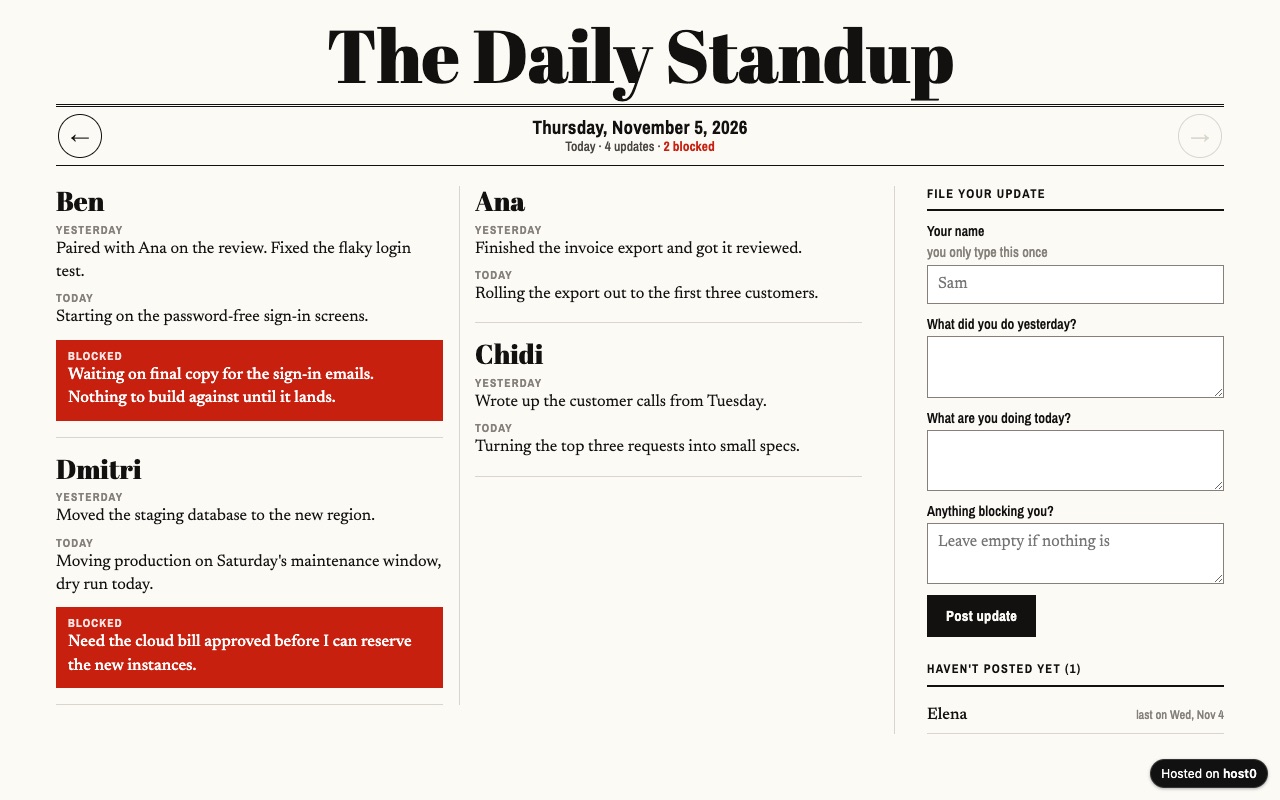
Async standup log
Your remote team posts daily updates on one page instead of a meeting.
Built with Claude Code
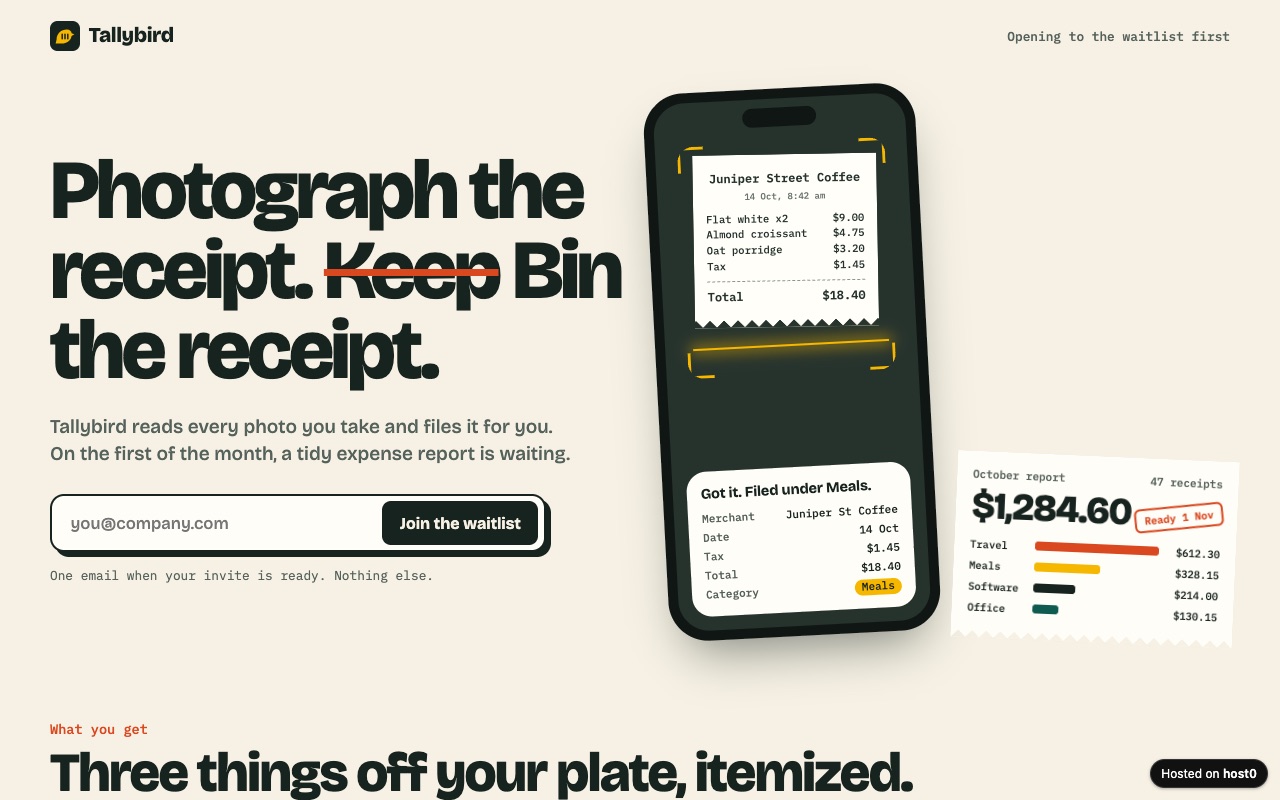
Landing page with a waitlist
A launch page that collects emails only you can read.
Built with Claude Code
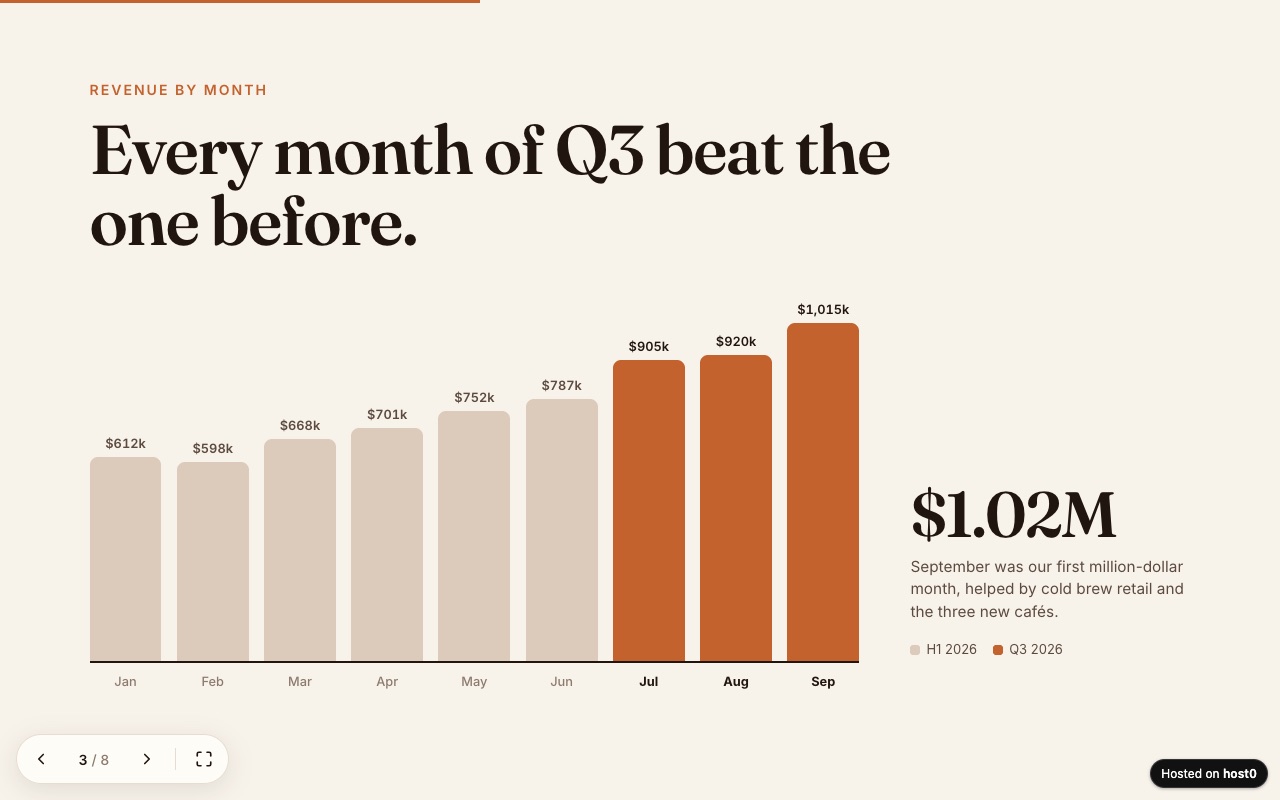
Web slide deck
A presentation as one web page — arrow keys, swipe and a link to send.
Built with Claude Code
Undo a bad deploy, and see who opened it
Versions
Reverting code in the editor doesn't change what's live: that takes a redeploy or a restored version. On Free: live version only. On Pro: 30 days of version history.
Analytics
Page views, countries and referrers on every app, with no cookies and nothing for you to install. On Free: total visits only. On Pro: full, 90 days.
Windsurf and host0: questions
Has host0 been tested in Devin Desktop?
Not by us yet. The setup on this page comes from Devin's docs, which say Devin Local reads .agents/skills and runs terminal commands. The deploy itself is the same command host0 runs from any other agent.
Does host0 work with the Windsurf JetBrains plugin?
Use the host0 CLI there, from a terminal, since the plugin's docs cover rules, workflows and MCP but have no skills section. Cognition says the plugin is in maintenance mode and recommends moving to Devin over ACP.
I run Codex or Claude Agent inside Devin Desktop. Which setup applies?
That agent's own. Devin Desktop runs them over the Agent Client Protocol, and third-party agents read their own config files for most settings, so install the host0 skill where that agent expects it.
Why is the agent unavailable in this folder?
The workspace is probably open in Restricted Mode. Devin Local and every ACP agent are disabled there until the workspace leaves that mode, so nothing can publish from it. The browser drop still works.
Do the people I share with need Devin Desktop?
No, only a browser, and a phone is fine. A sign-in comes up only when the app is private or when they change shared data.
What does it cost?
Free plan, no card. Pro is $9 a month. On Free, one file can be up to 3 MB and an account holds 5 apps. Your Devin plan doesn't change any of this.
What can't I publish from Devin Desktop?
Anything that needs a running server, such as an Express API or Next.js server routes. Have the agent build first and deploy the output folder, such as dist. An archive is refused too: extract it and publish the folder, or drop the zip in a browser, which unpacks it for you.
Sources
Facts about Windsurf checked on Nov 6, 2026. Products change: if something here is out of date, tell us at support@host0.ai.
- Devin docs: Devin Desktop FAQ
- Devin blog: Windsurf is now Devin Desktop
- Devin docs: Devin Desktop changelog
- Devin docs: Cascade (legacy)
- Devin docs: Devin Local
- Devin docs: Devin Local customizations
- Devin docs: Devin Local modes
- Devin docs: Devin Local permissions
- Devin docs: Devin Local worktrees
- Devin docs: Terminal
- Devin docs: Previews
- Devin docs: Agent Client Protocol
- Devin docs: CLI skills overview
- Devin docs: MCP configuration
- Devin docs: Configuration import
- Devin docs: Sandbox
- Devin docs: Devin app deployments
- Devin docs: Devin Skills (cloud)
- Devin docs: Secrets
- Devin docs: Desktop page index
- Devin: Plans and pricing
Publishing from something else?
Share what Windsurf made
A link in one sentence, private until you say otherwise.
Get startedhost0 isn't affiliated with Windsurf or its maker. Product names and marks are used only to identify the product.