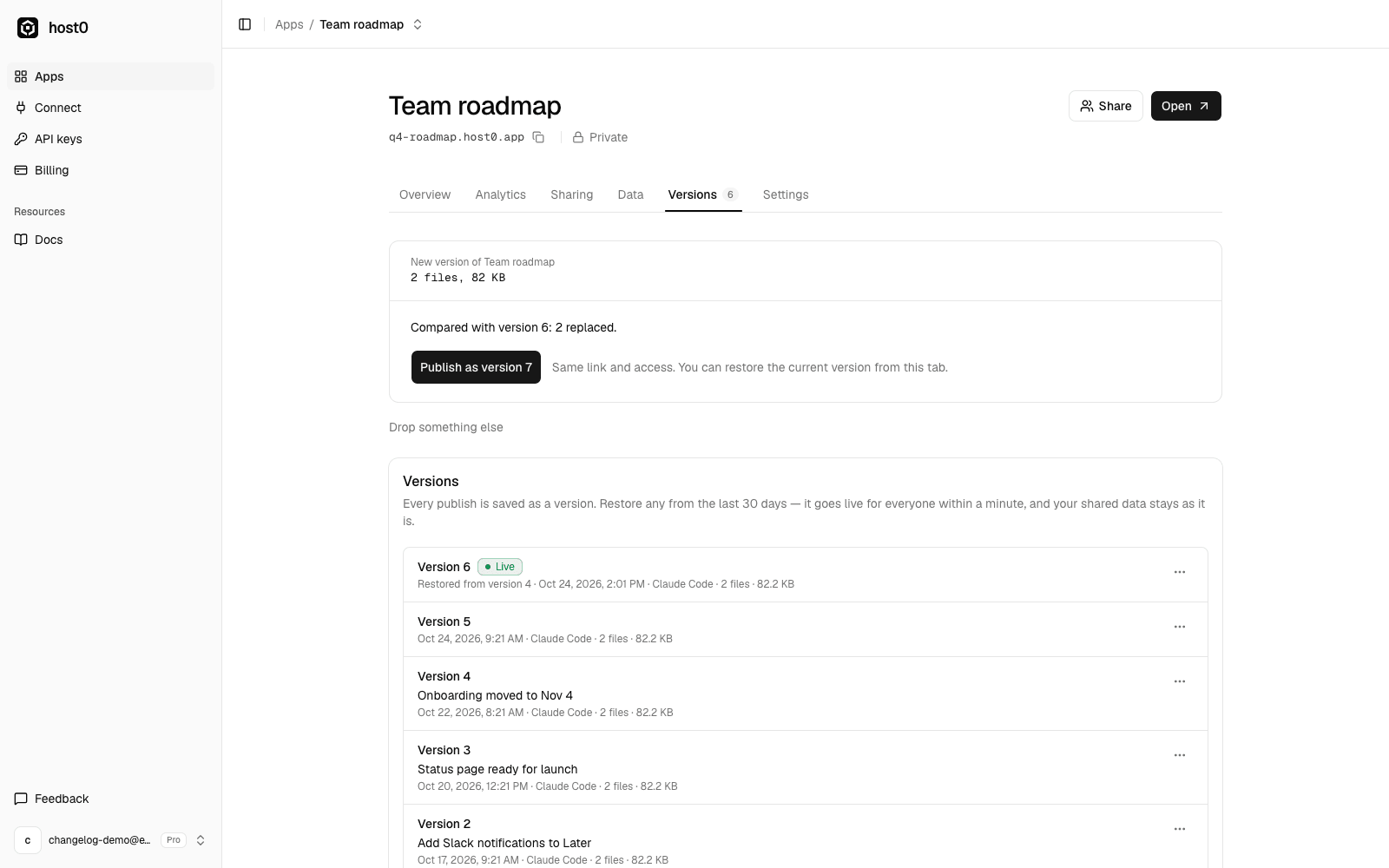
You can now replace a published file or site without an agent and without getting a new link. Fixed a typo in a PDF? Exported a new deck? Drop it on the app.
- Open the app in your dashboard and go to the Versions tab, or press Upload a new version on the Overview tab.
- Drop the new files or folder, or click Upload files.
- host0 compares them with the live version and shows what's added, replaced and removed. Press Publish as version N.
The new version goes live at the same URL, with the same access and the same shared data. If the files are identical to what's live, nothing is published.
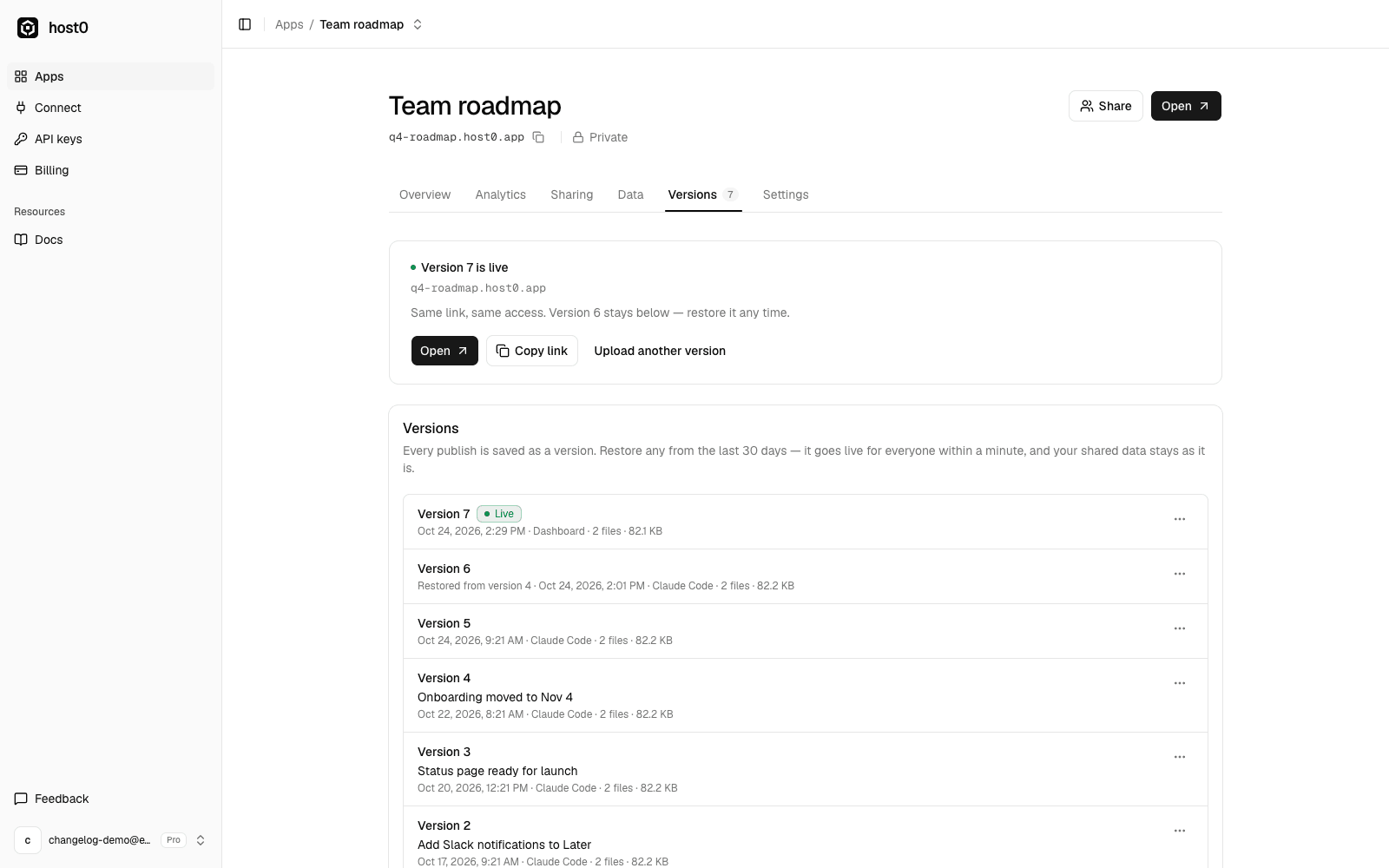
The version you replaced stays in the list below, so you can put it back in one click if the new one is wrong. See versions in the docs.