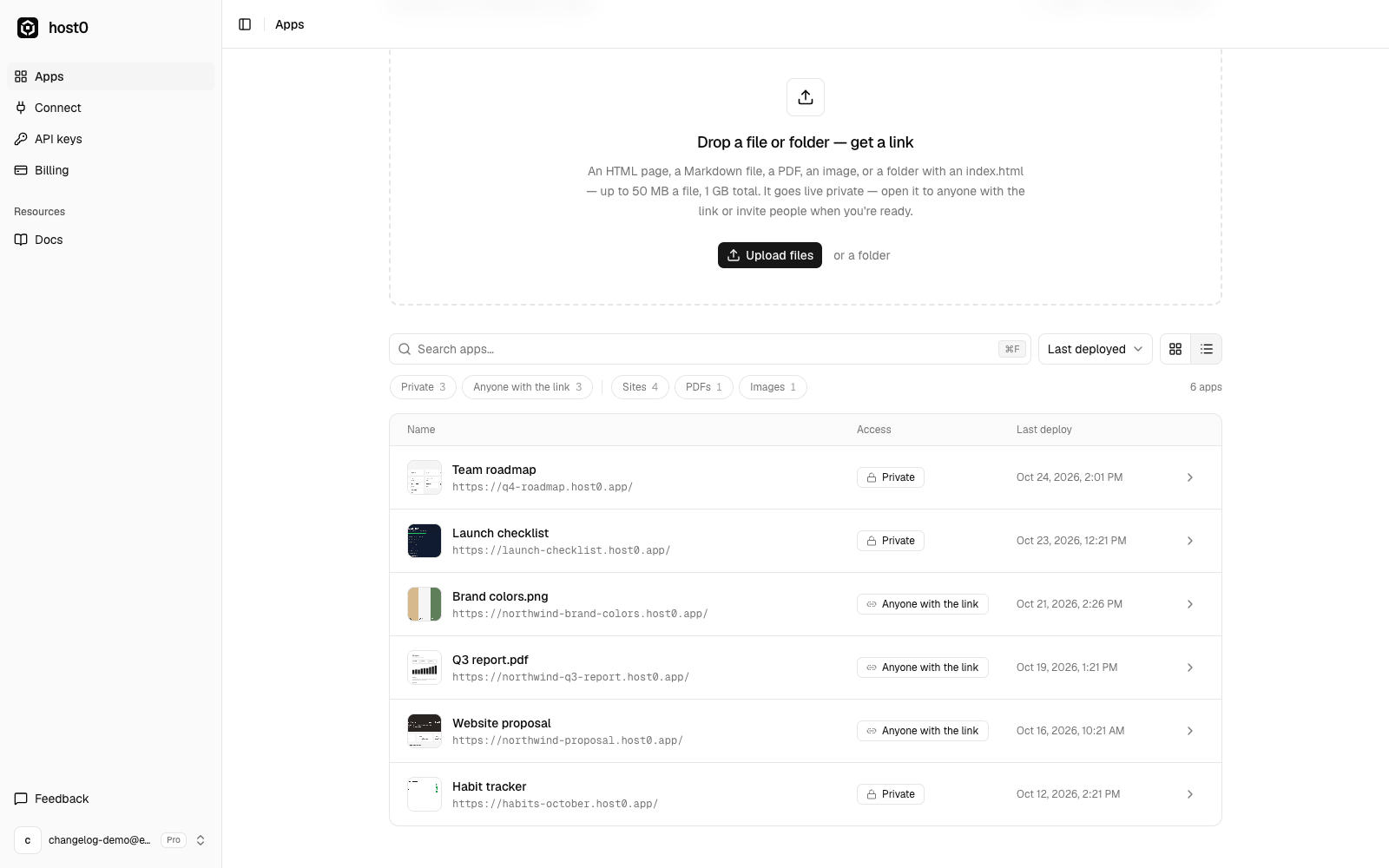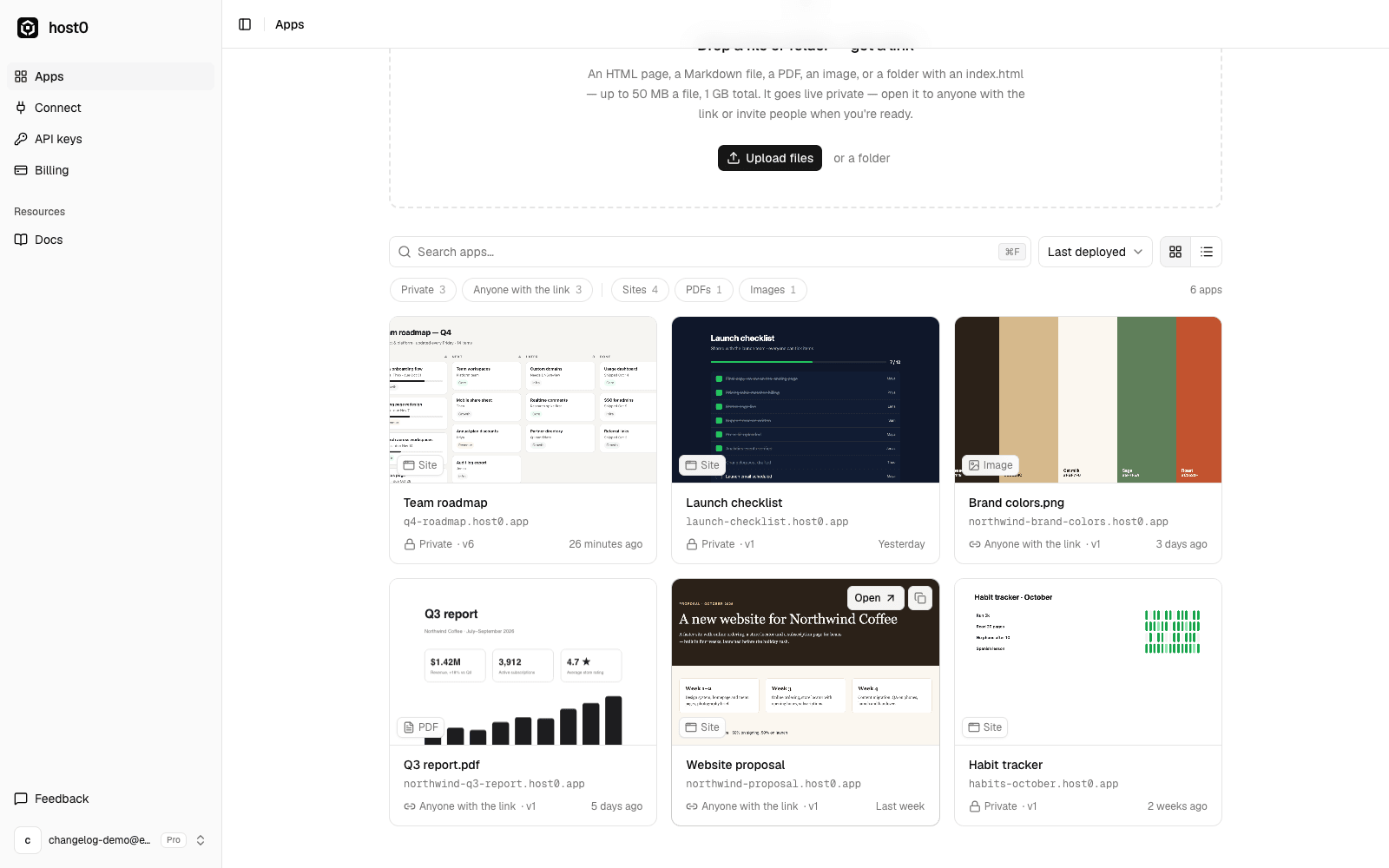
Once you have more than a handful of apps, the old list got hard to scan. The dashboard is now built for finding things.
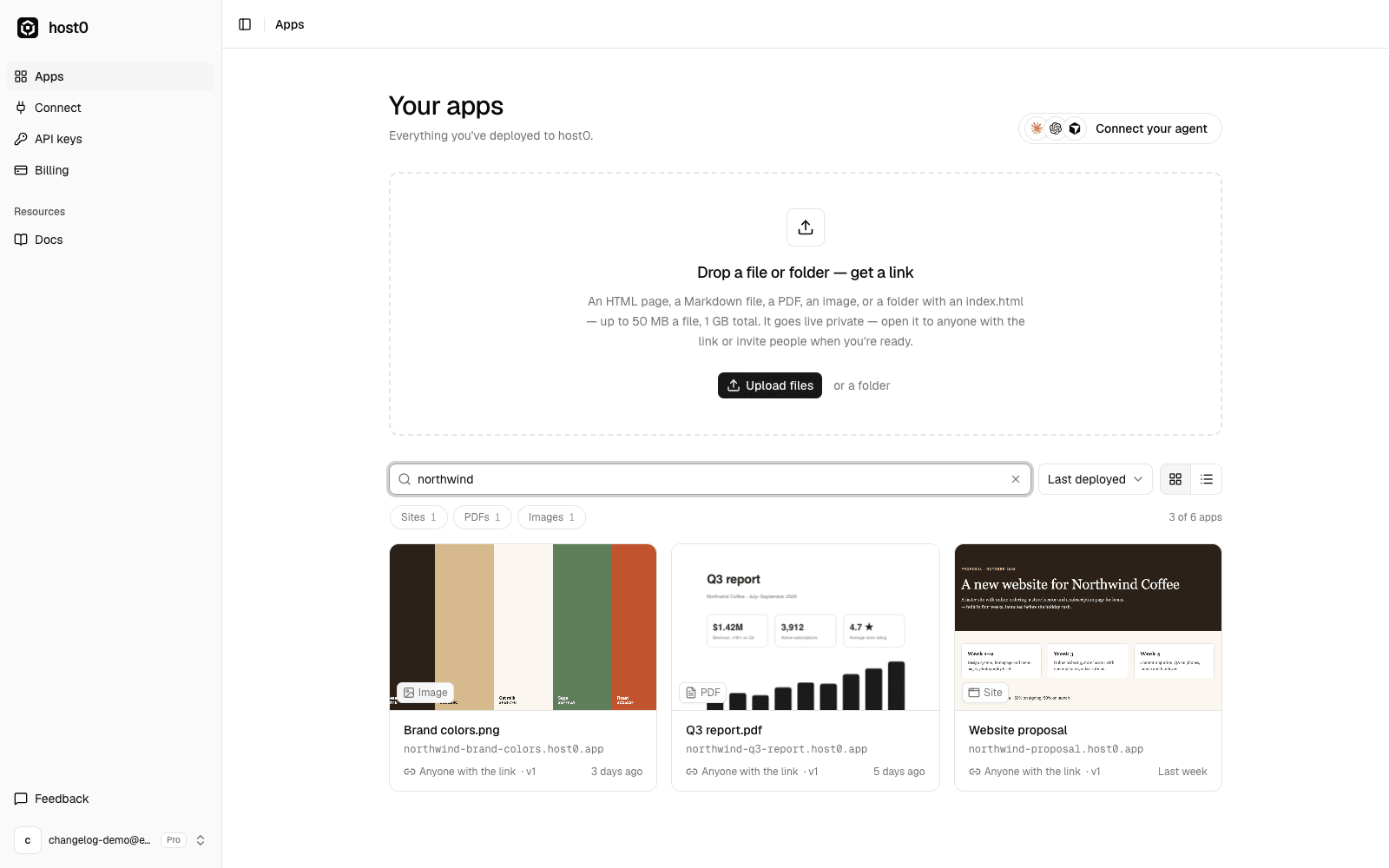
- Search as you type across app names, URLs and file names. Press ⌘F (Ctrl+F on Windows and Linux) or / to jump to the search box, Enter to open the first match and Esc to clear.
- Filter by who can open an app (private, anyone with the link, public on the web) and by type (sites, PDFs, images and more). Each chip shows how many apps it matches.
- Sort by last deployed, newest or name.
- Grid or list. Your choice is remembered.
Every card shows a preview of the live app: the page's share image if it has one, the image itself, or the first page of a PDF. Previews are generated from your files, not by opening the app, so they never count as visits in your analytics.
The search and filters live in the URL, so a filtered view can be bookmarked.