Until now, updating an app meant going back to the agent and folder that first published it. Now any agent can pick it up: a new chat in Claude, Cursor on another laptop, or Codex in CI.
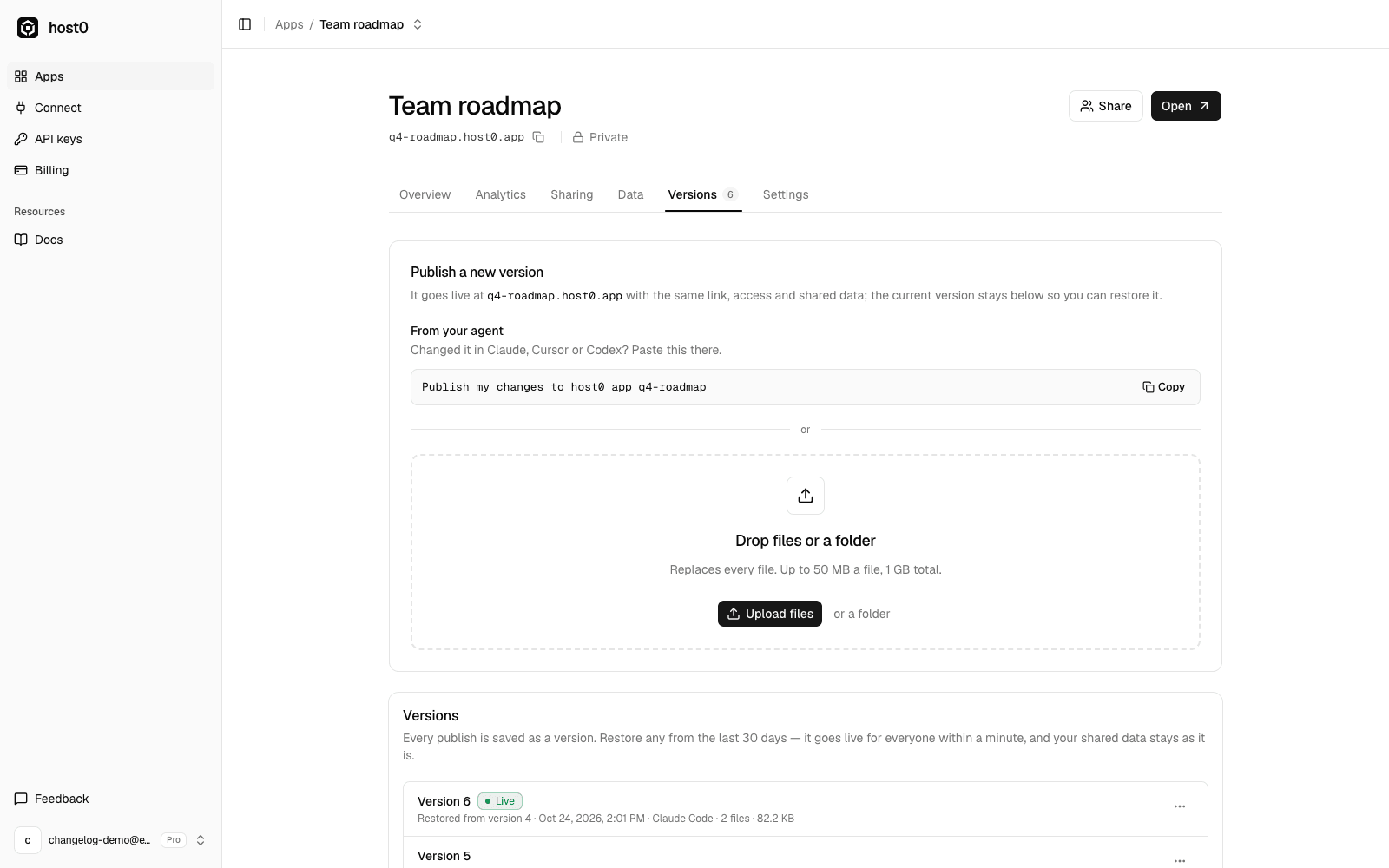
Open the app's Versions tab and copy the one-line prompt under Publish a new version:
Publish my changes to host0 app q4-roadmapPaste it into any agent that has the host0 skill. The agent downloads the live files into an empty folder, makes your changes and publishes them as the next version. The URL, who can open it and the app's shared data stay as they were, and the previous version stays one click away.
Under the hood this is publish.sh --pull --slug <slug> in the skill, backed by a new GET /api/v1/apps/{app}/files endpoint that lists the live files with download links. Only the app's owner can pull it.
Connect your agent#
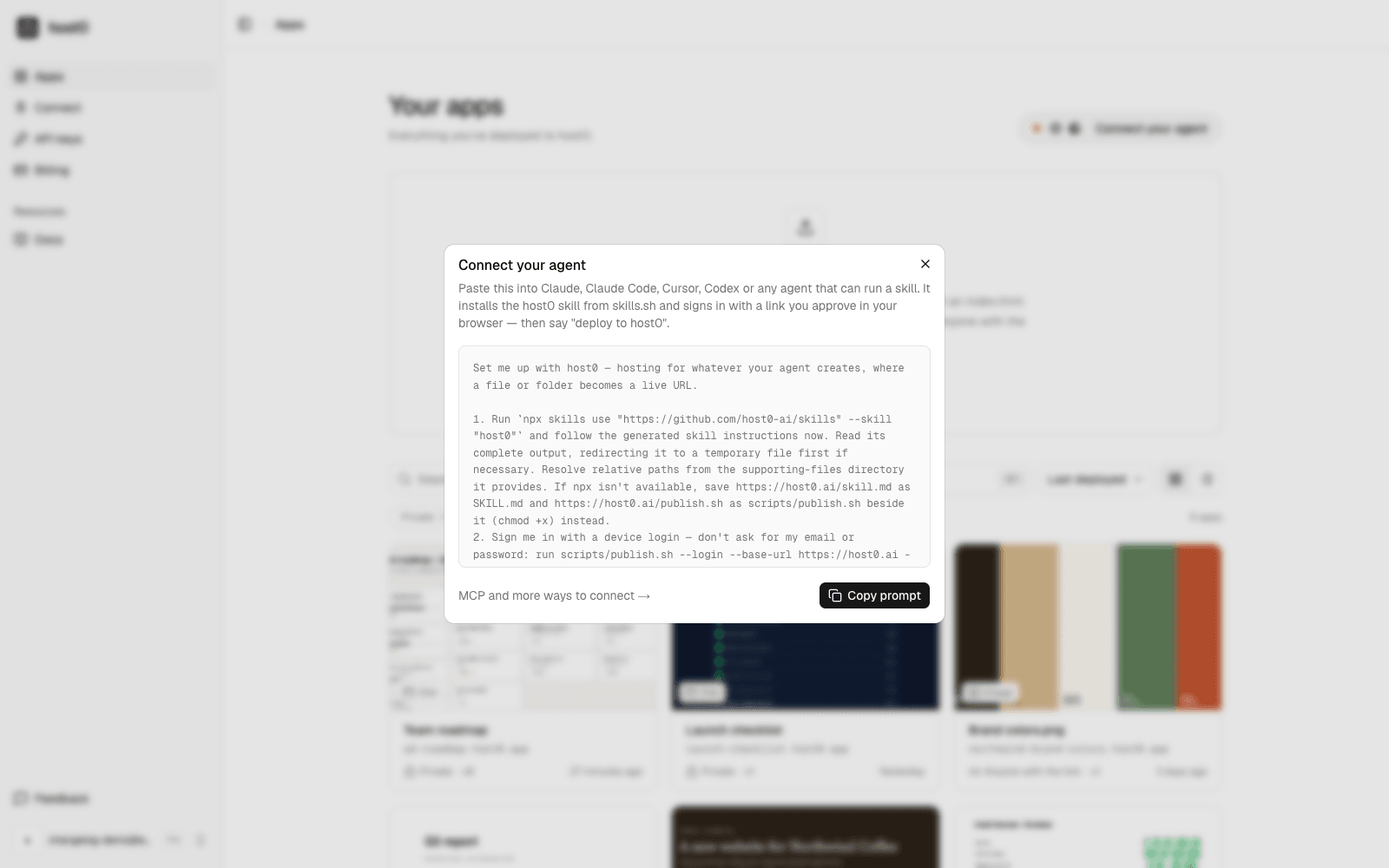
The dashboard also has a new Connect your agent button. It copies a prompt that installs the host0 skill and signs your agent in with a link you approve in your browser, so the next thing you say can be "deploy to host0".