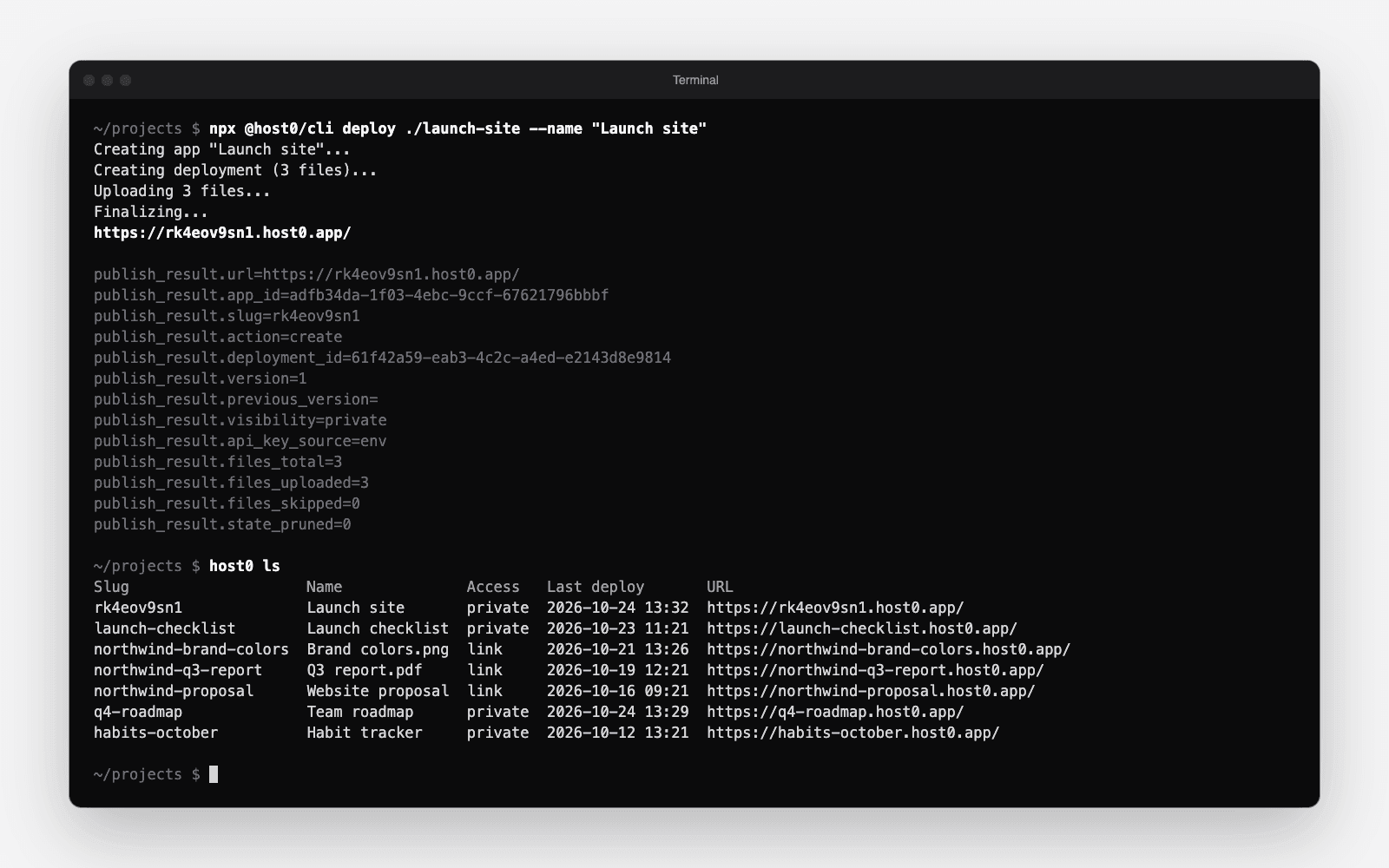
host0 now has a command-line tool. One command publishes a folder or a single file and prints its URL:
npx @host0/cli deploy ./siteOr install it once with npm i -g @host0/cli and run host0 deploy ./site. It needs Node 18.18 or newer and has no dependencies.
With no API key, deploy starts a device login: it prints a link and a short code, you approve it on host0 in your browser, and you run the same command again. Nothing personal is typed into the terminal.
Everything else is one command too#
host0 lsandhost0 inspect <app>to see your apps, their access and live versionhost0 versions <app>andhost0 rollback <app> <version>to undo a bad deployhost0 visibility <app> private|link|public,host0 share <app> <email>andhost0 unsharehost0 rename <app> --slug <new-url>for a readable addresshost0 analytics <app>andhost0 records <app> --exporthost0 pull <app>to download the live files into a folder, edit them and deploy the next version
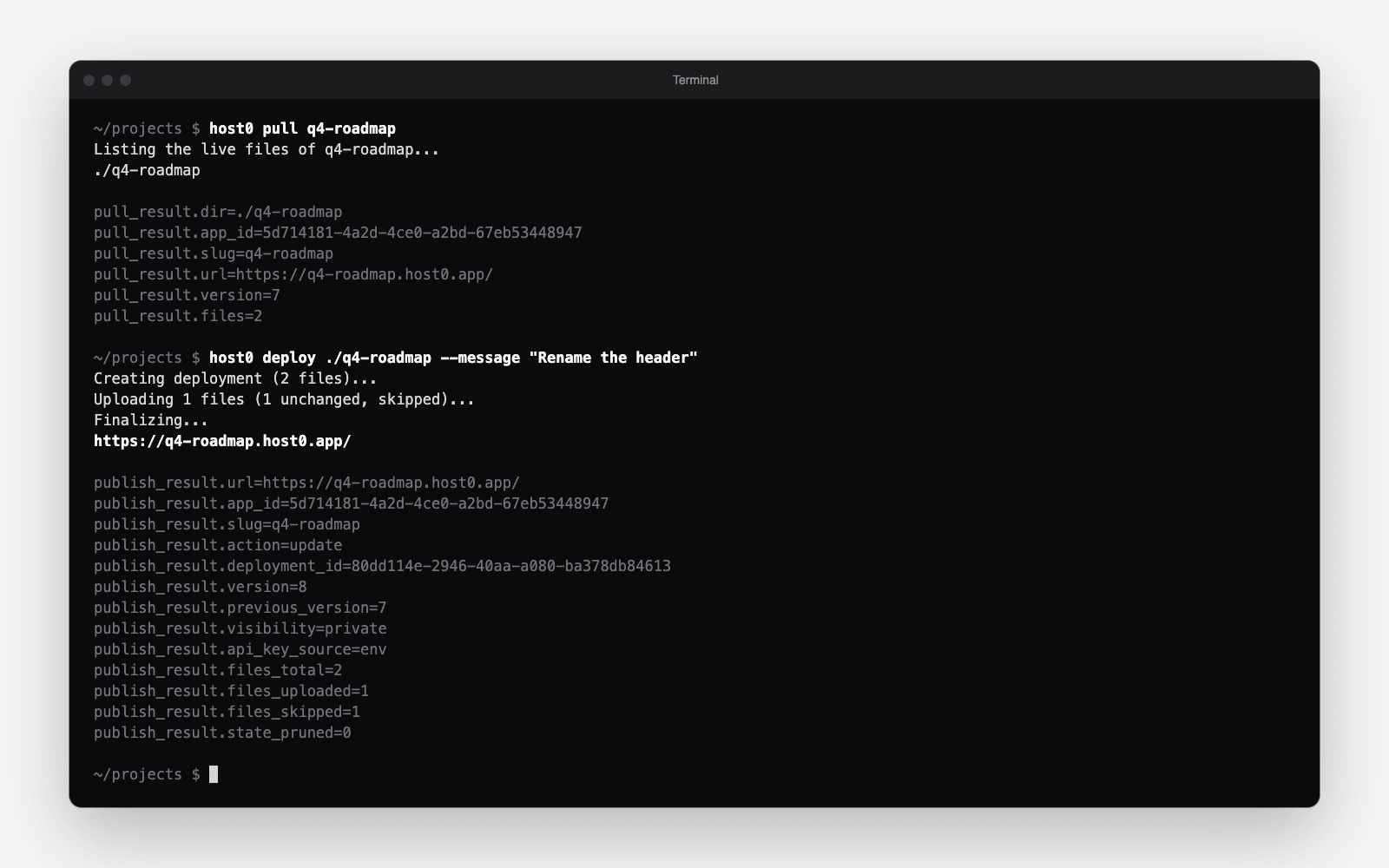
Add --json to any control command to get the API's response unchanged.
Works with the host0 skill#
The CLI uses the same credentials file, per-folder state and output lines as the skill's publish.sh, so an agent can switch between them in the middle of a project. Coding agents that have the host0 skill now prefer the CLI when Node is available. The full reference is in the docs.