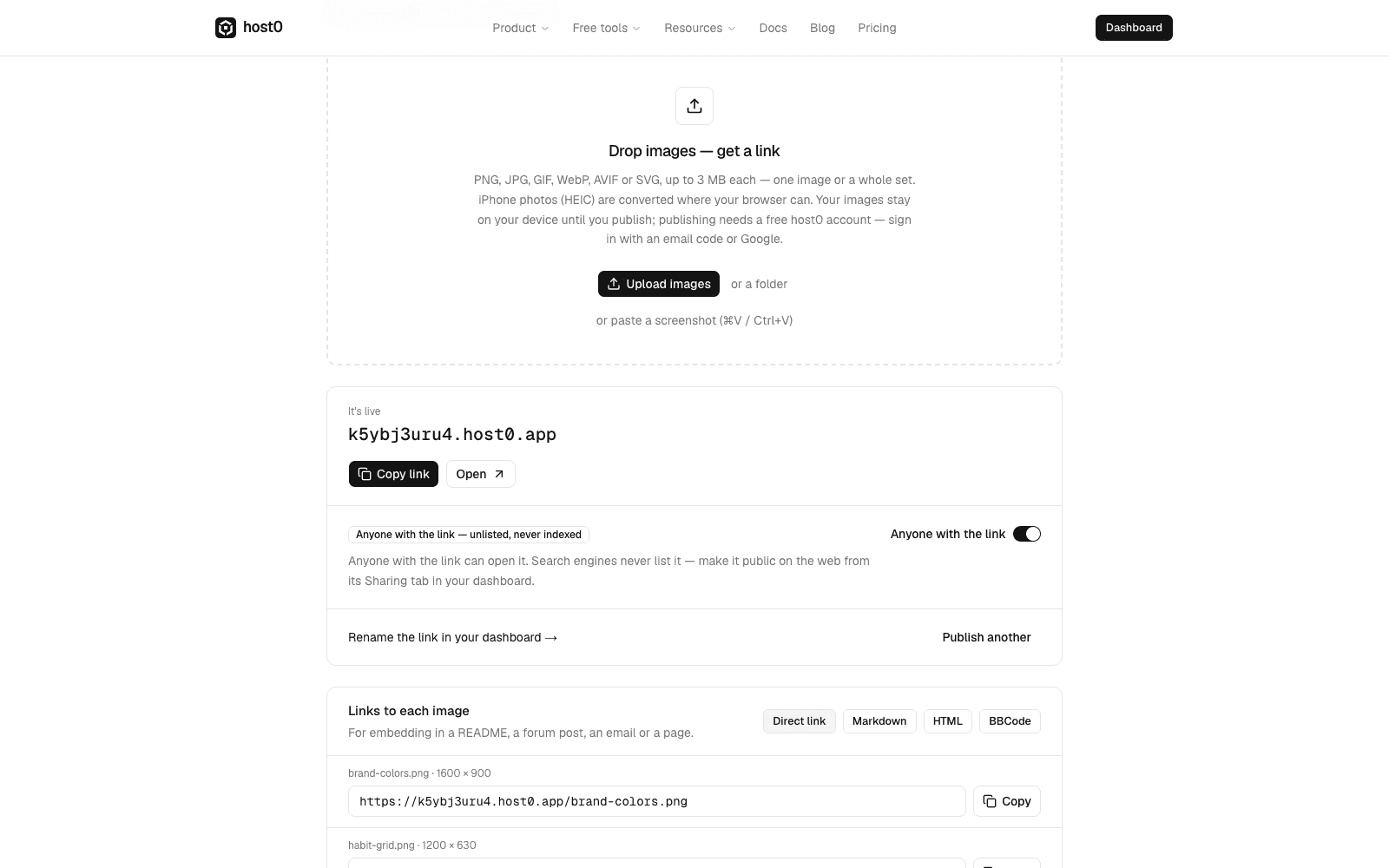
There's a new free tool for images: image to link.
Drop images on the page, choose them from your files, or paste a screenshot with ⌘V or Ctrl+V. One image becomes a clean viewer page; several become a gallery with a lightbox, up to 100 at a time.
After publishing you get:
- One link for the page or gallery, private until you switch on Anyone with the link
- A direct link to every original, ready to copy as a plain URL, Markdown, HTML or BBCode for a README, forum post or email
- A share card, so the link shows a preview when you paste it into a chat
iPhone photos (HEIC), TIFF and BMP are converted where your browser can read them, and location data is removed from JPEG photos by default. The images stay on your device until you press publish, and the link appears in your dashboard like any other app.