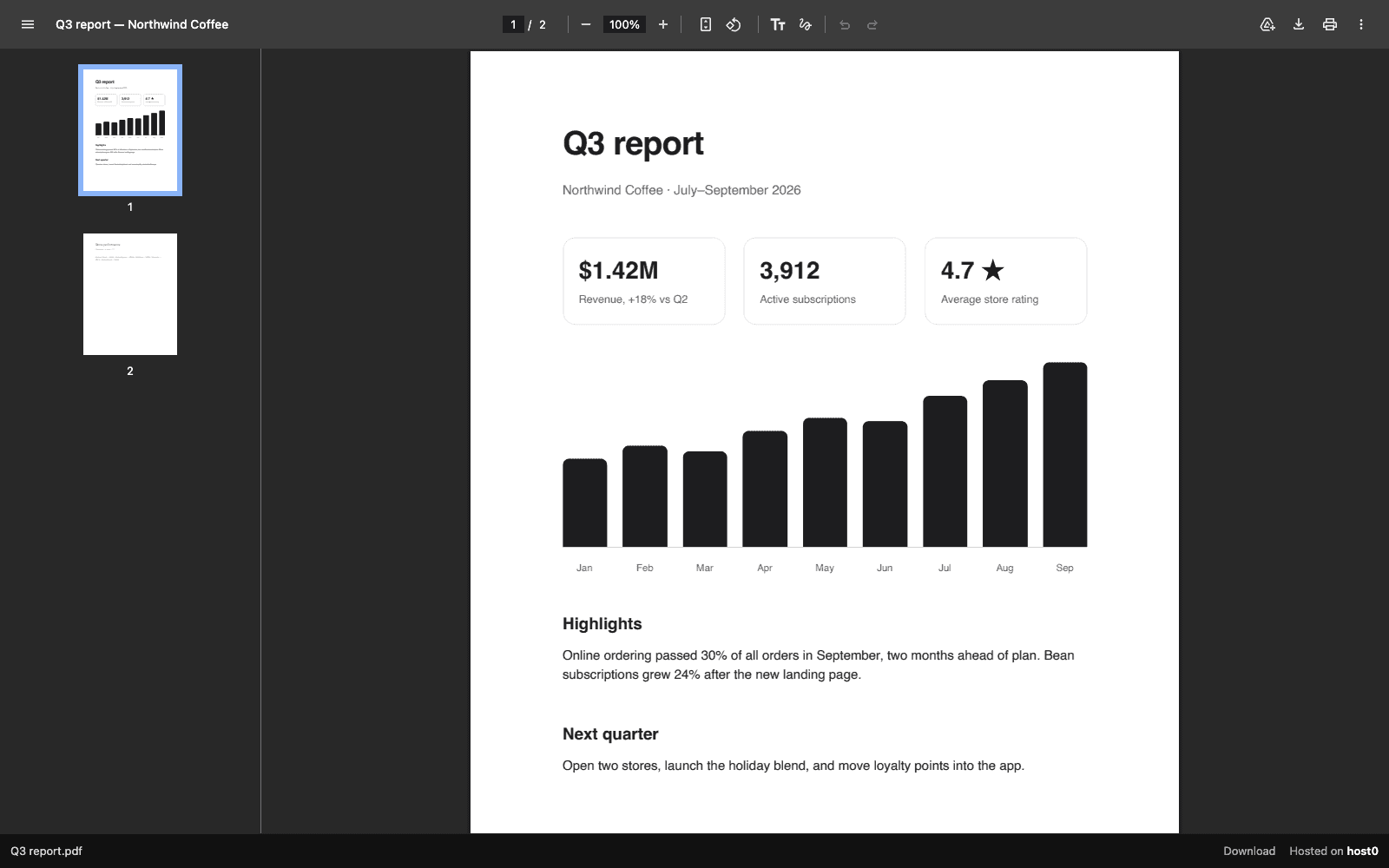
When someone opens a shared PDF, image, video, audio file or text file (.txt, .csv, .md, .json) in a browser tab, host0 now shows it in a viewer page instead of handing over the raw file.
The file fills the window. Under it, a slim bar shows the file name, a Download link and "Hosted on host0". The bar never covers the file.
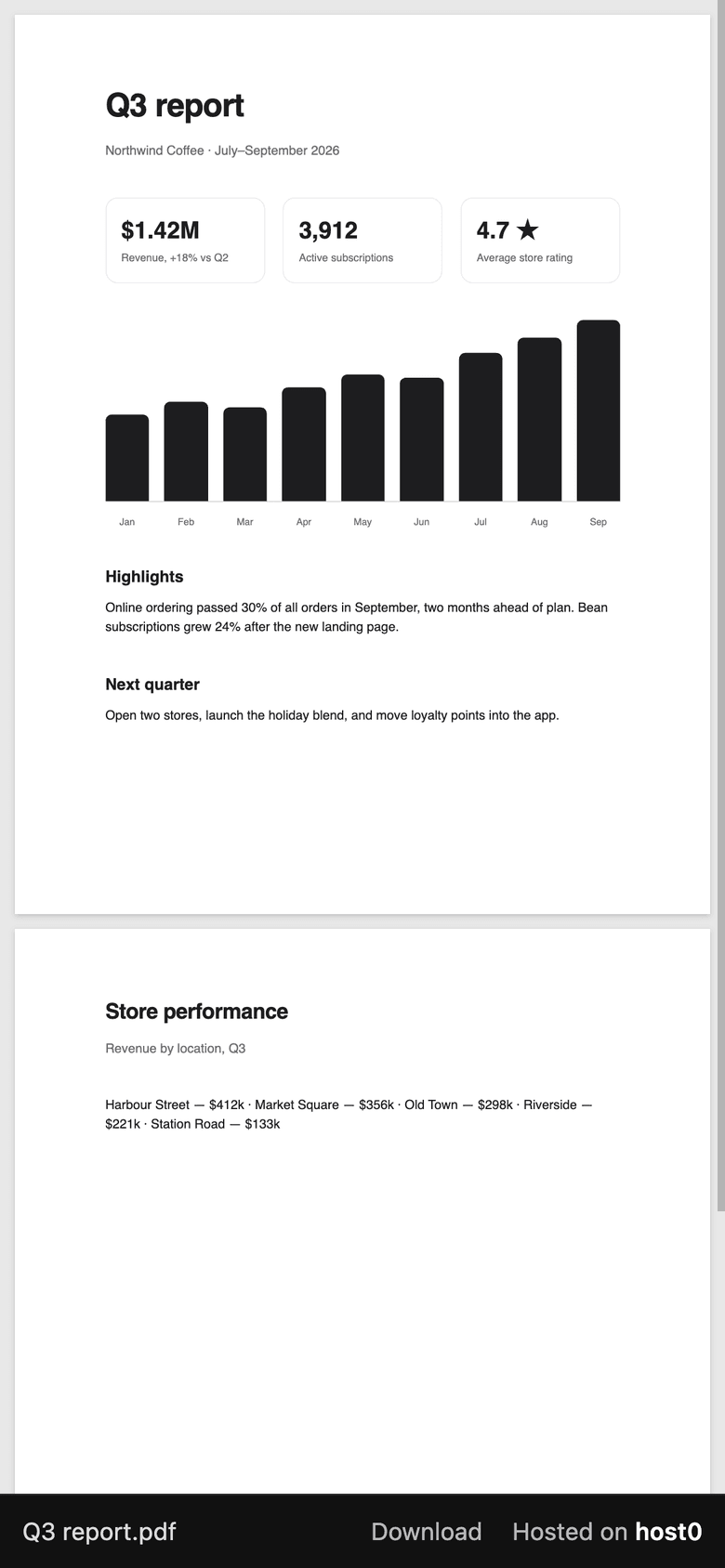
On a computer, PDFs use the browser's own viewer. On phones they're drawn with a built-in reader, so a long PDF scrolls page by page and you can still select, copy and search its text.
Everything that uses the file as a file still gets the original bytes: an <img> or <video> in a page, embeds, fetch(), curl, link previews and search engines. Add ?download to any file URL to download it directly.
Other files, such as zips, fonts, scripts and stylesheets, are served as before. Since 16 October, apps on Pro serve every file without the viewer bar.