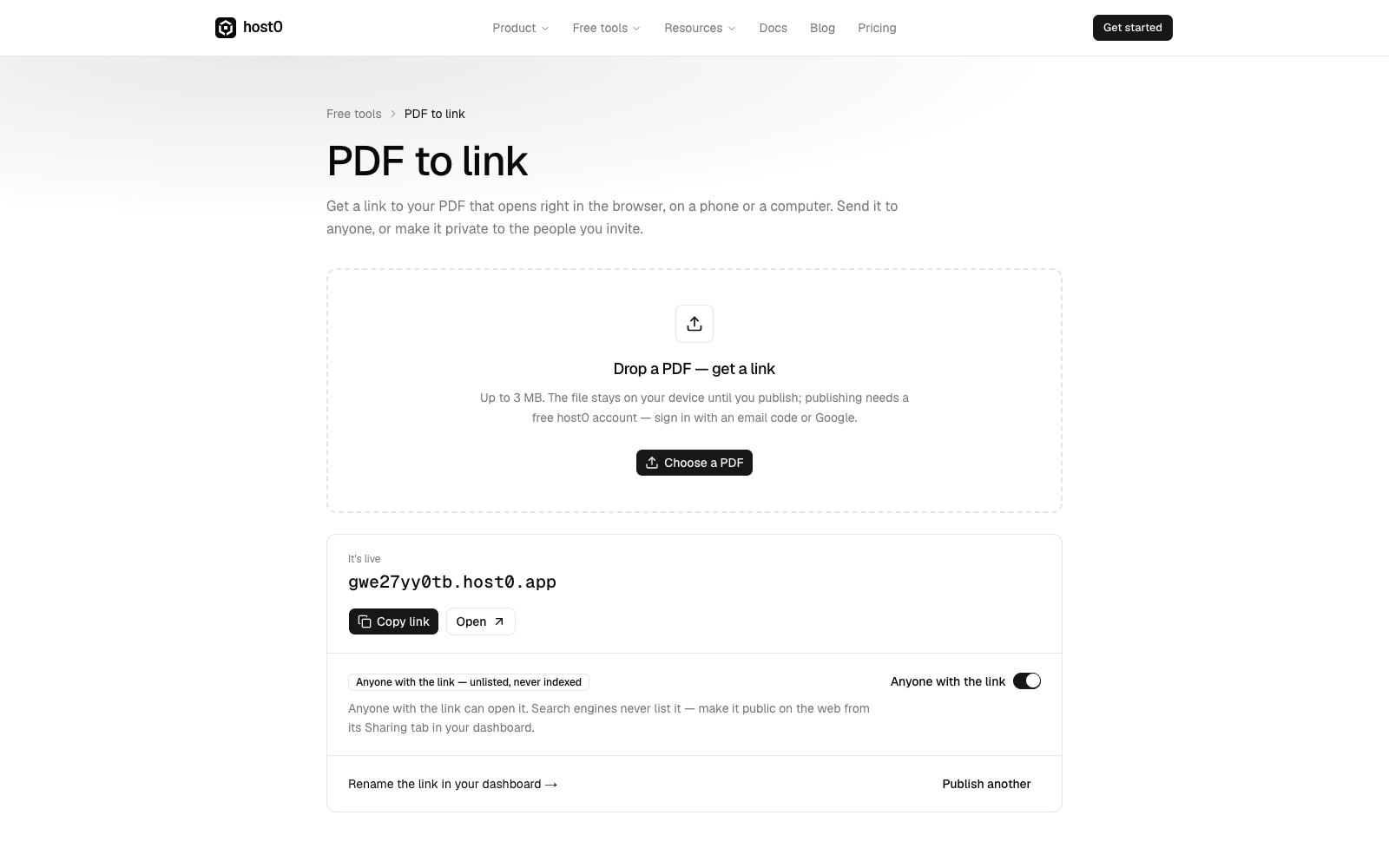
Not everything you want to share comes out of a coding agent. You can now publish straight from the browser:
- PDF to link: drop a PDF and get a link that opens it in the browser, on a computer or a phone
- Share an HTML file: drop a single page or a whole folder, such as an artifact you downloaded from Claude or ChatGPT
Signing in happens right there on the page, with a code from your email or with Google, and the code creates your account if you don't have one yet. The file stays on your device until you publish.
The result is a normal host0 app: it has its own URL, it's listed in your dashboard, and you can rename it, share it, or turn on Anyone with the link from the same card.
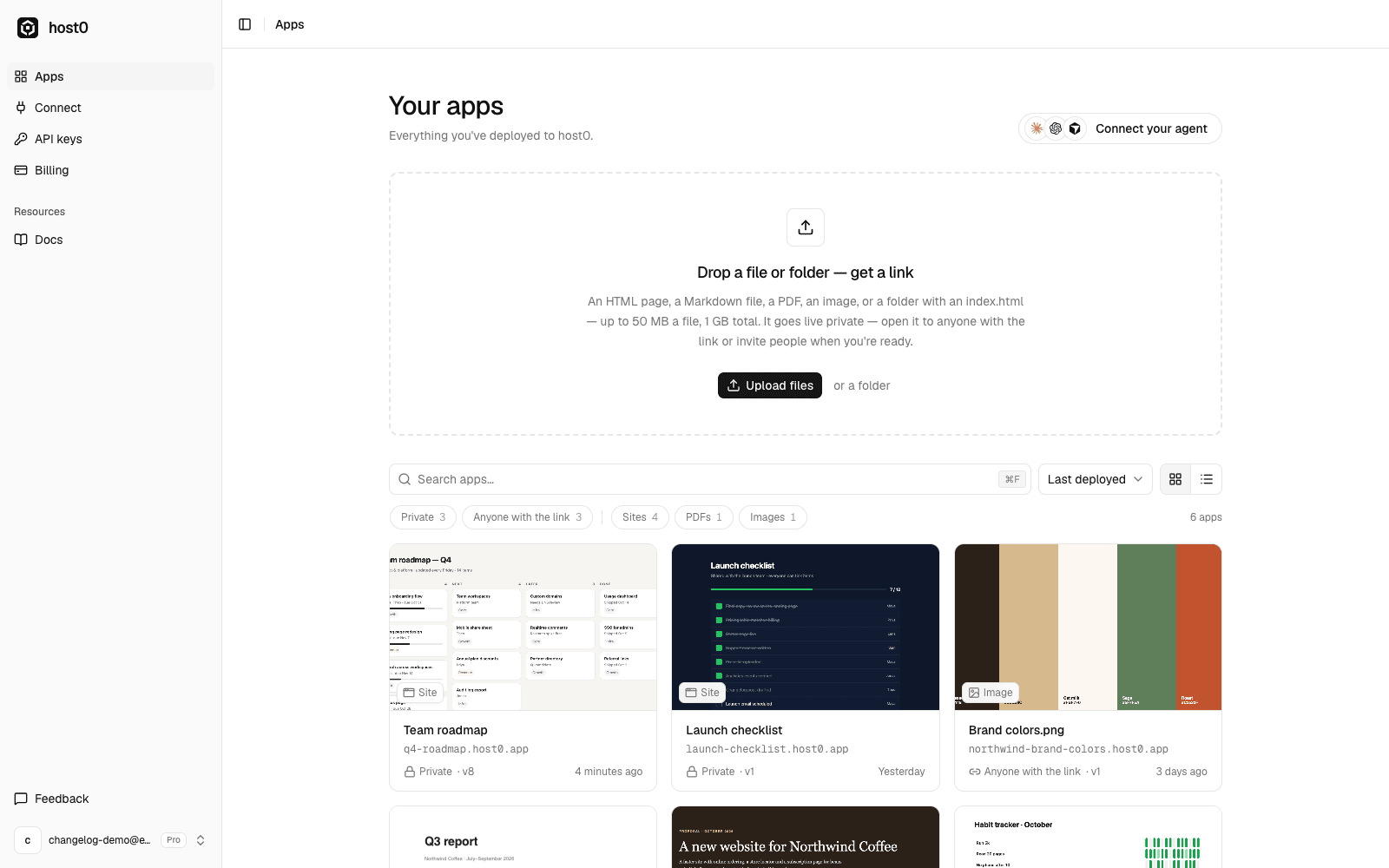
The same drop zone now also sits at the top of your dashboard, for any file or folder: a page, a PDF, an image or a site.