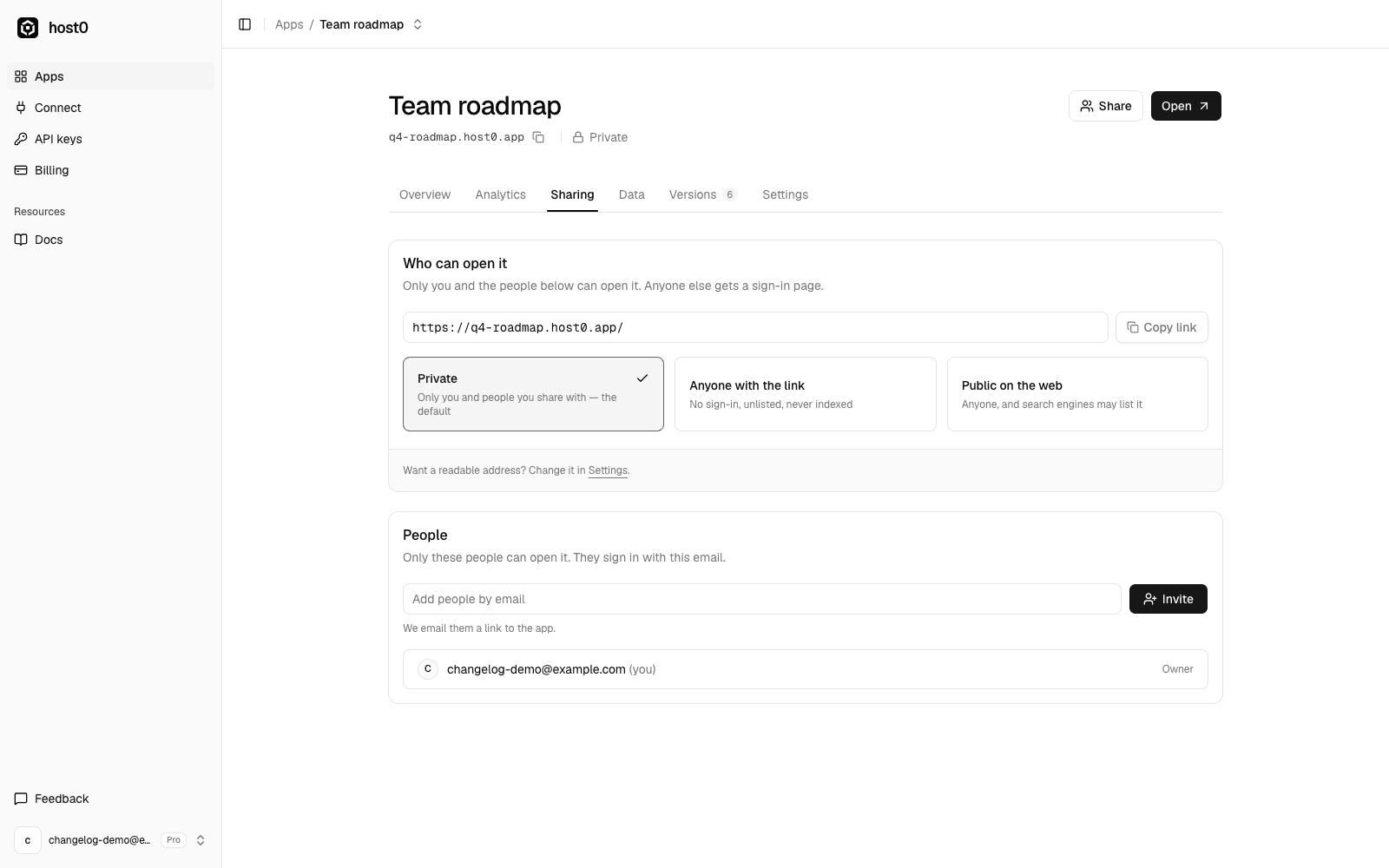
Agents publish a lot of things you didn't mean to show the world yet: drafts, internal reports, half-finished prototypes. So from today, every new app on host0 starts private, whether it comes from the skill, the dashboard or a tool page.
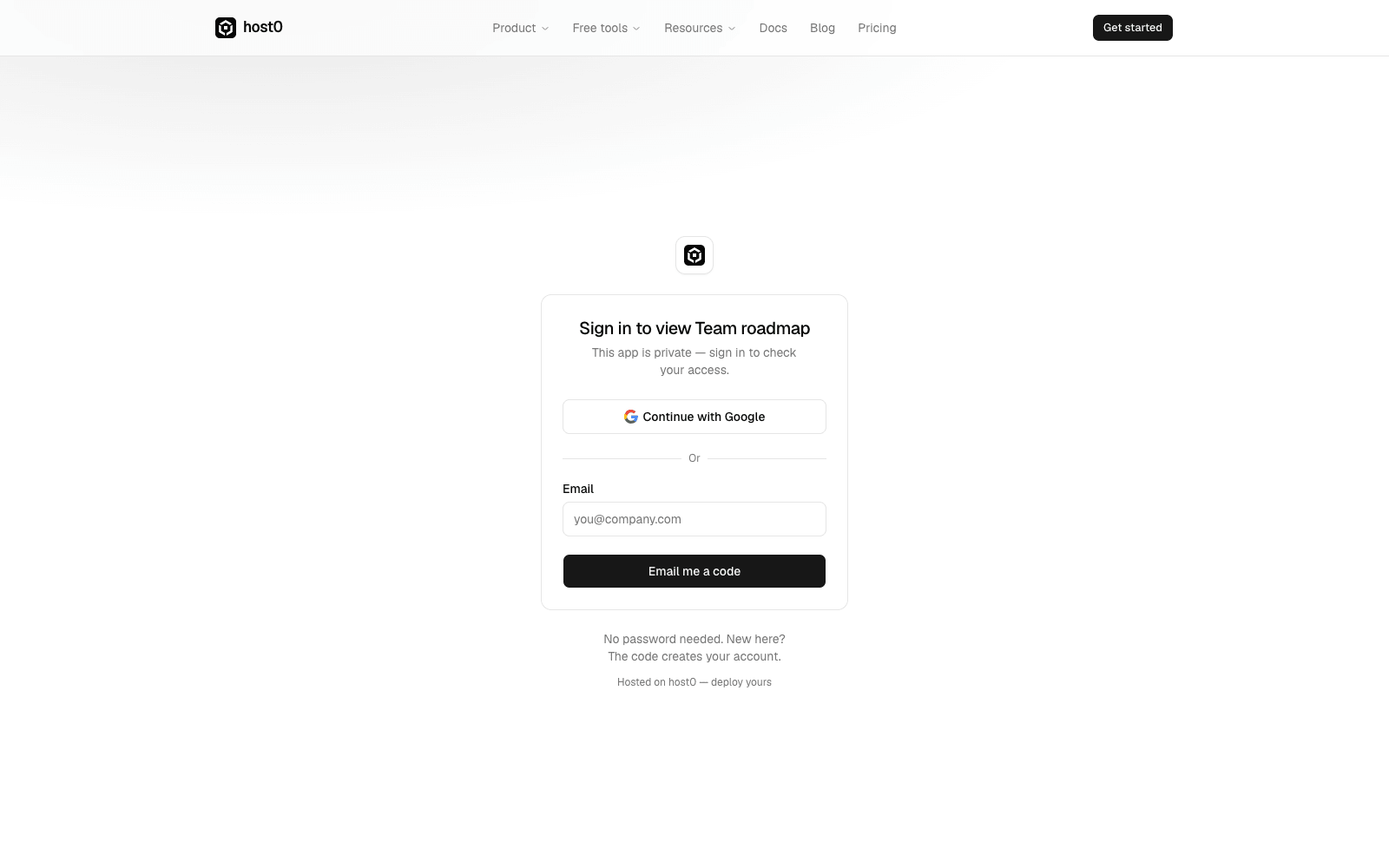
A private app opens only for you and the people you invite by email. Anyone else gets a sign-in page, and removing someone cuts their access on their next request.
When you're ready to share more widely, open the app's Sharing tab and pick one of three levels:
- Private: you and the people you share with
- Anyone with the link: no sign-in, unlisted, never indexed by search engines
- Public on the web: anyone, and search engines may list it
Ask your agent for "a link anyone can open" and it publishes with anyone-with-the-link access. "Public on the web" became its own level on 6 October, for portfolios, landing pages and docs you want people to find; before that, a public app was never indexed. Existing apps kept the access they had.