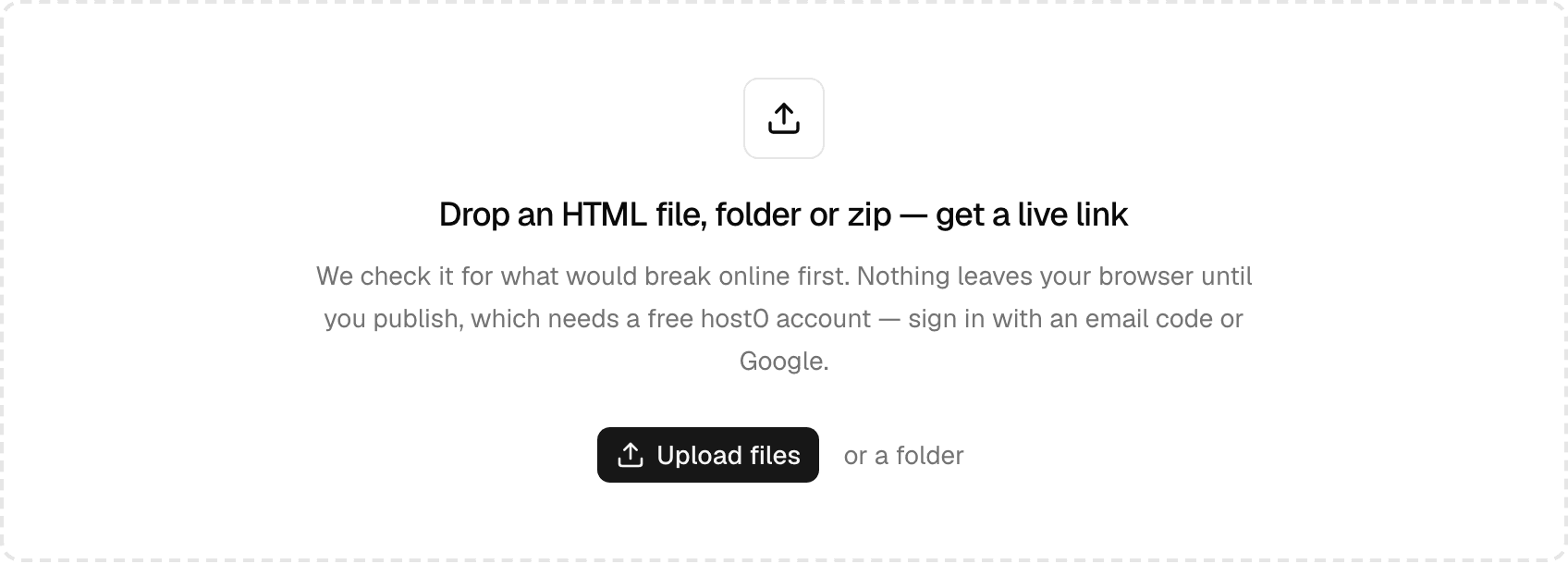
Got your site as a zip? You no longer have to unzip it first. Drop it on the dashboard, on an app's Versions tab or on Share an HTML file as a link, and it goes through the same checks as a folder.
Unpacking happens in your browser, so nothing leaves your device until you publish. It takes off a single wrapping folder, leaves out __MACOSX, .DS_Store and hidden folders, and names the app after the zip. Like everything you publish in the browser, the app starts private.
When a zip can't go up#
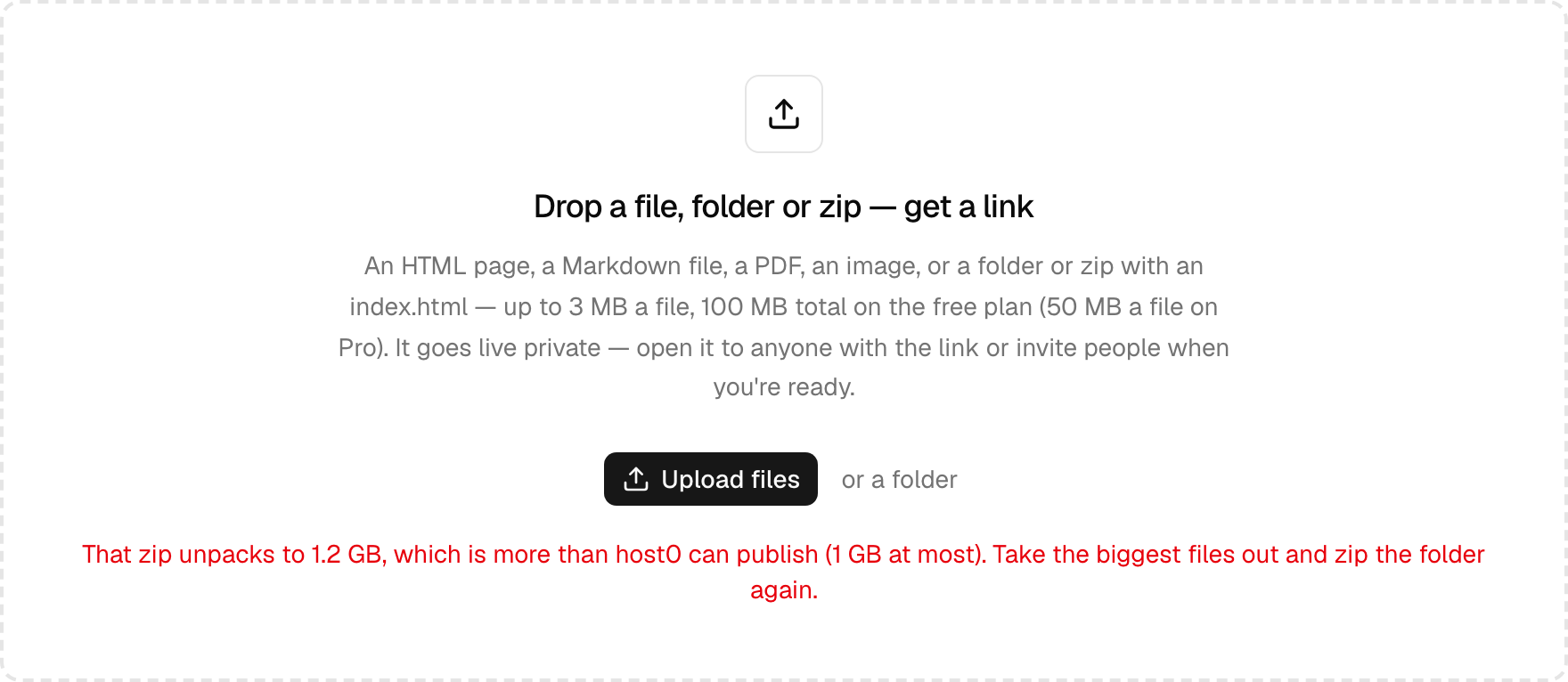
You get the reason straight away, before anything uploads. That covers a zip with no index.html at the top, one that's over your plan's limits, a damaged or password-protected zip, and a file path that points outside the zip.
Agents still publish folders: over the API, an archive is refused rather than unpacked.