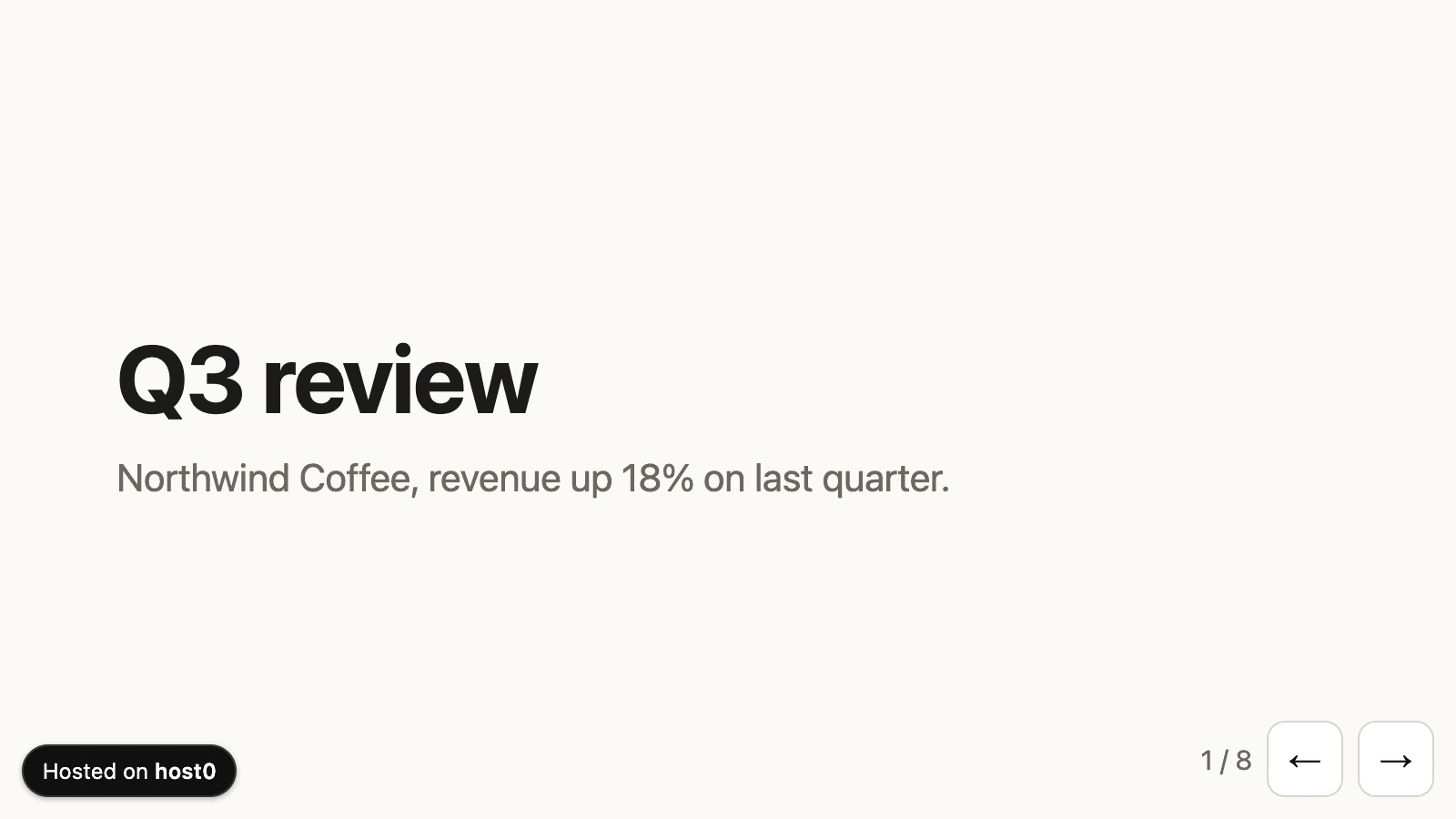
On the free plan, every page carries a small Hosted on host0 badge in the bottom-right corner. Slide decks and chat widgets like to put their own buttons exactly there, so a tap on "Next" could open host0 instead.
Now the badge checks what's under it. If one of your page's buttons or links is there, it moves to the first free corner: bottom-left, then top-right, then top-left. If all four are taken, it shrinks to a small icon in the bottom-right, so most of your control stays reachable. There's nothing to change in your app, and it doesn't jump around as you scroll.
To choose the corner yourself, add one line to your page, or ask your agent to:
<meta name="host0-badge-position" content="bottom-left">The value is bottom-right, bottom-left, top-right or top-left, and the badge then stays there. See the overview in the docs.