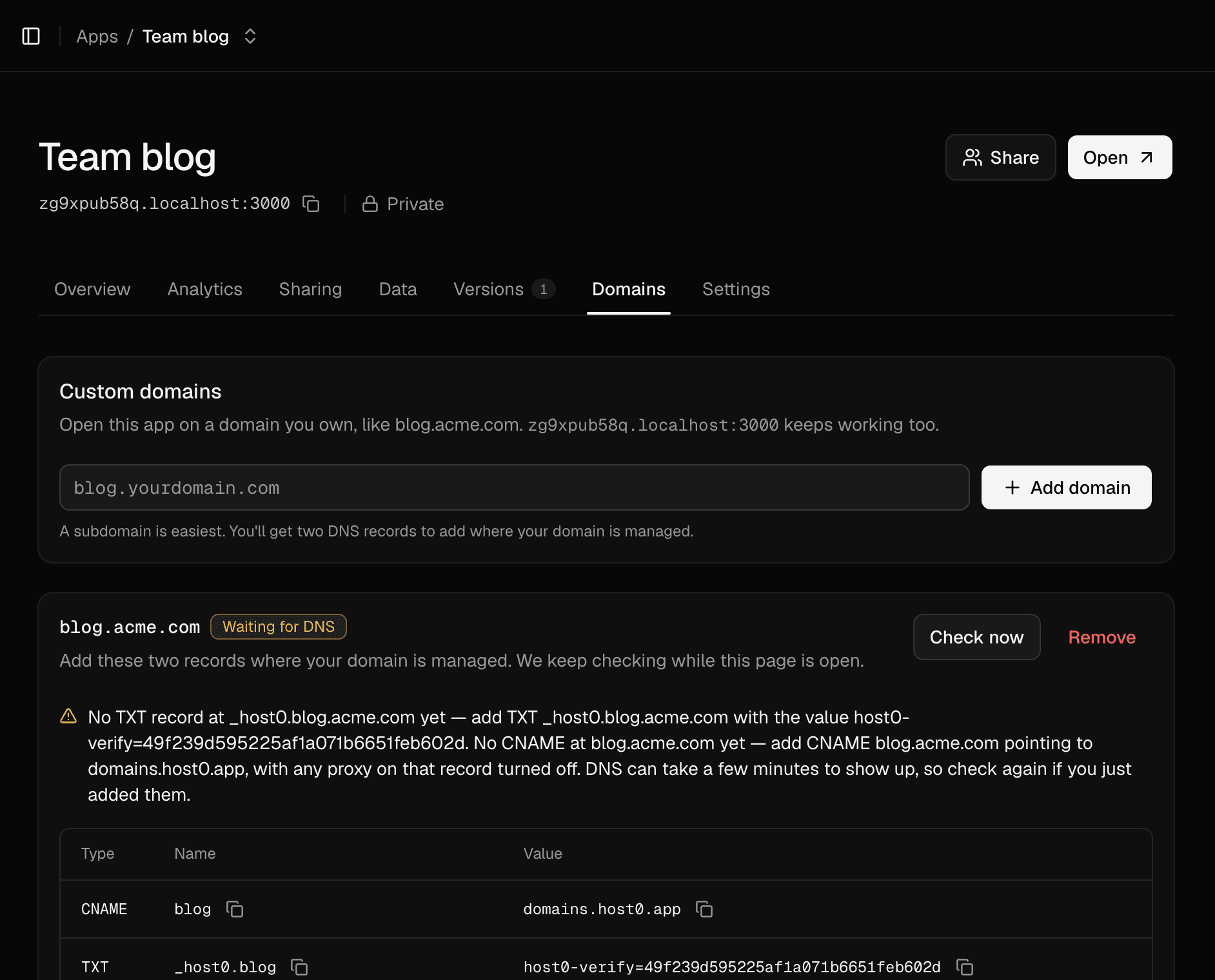
Your app can now answer on a domain you own, like blog.acme.com, as well as its host0.app address. Custom domains are on the Pro plan.
Open the app's Domains tab and add the hostname. You get two records to set where your domain is managed: a CNAME and a TXT that proves it's yours. The tab keeps checking, and the certificate is issued for you. On our test domain, it was live about a minute after the records were in.
Everything works there#
Private apps still ask people to sign in, invites still decide who gets in, and shared records and analytics carry on as usual. An app that's public on the web gets indexed on your domain, and its host0.app address points search engines there.
Agents can do it too, with host0 domains add, the REST API or the MCP server, and the docs cover all of it.
We also fixed something along the way: plain http links to any host0 app now redirect to https.